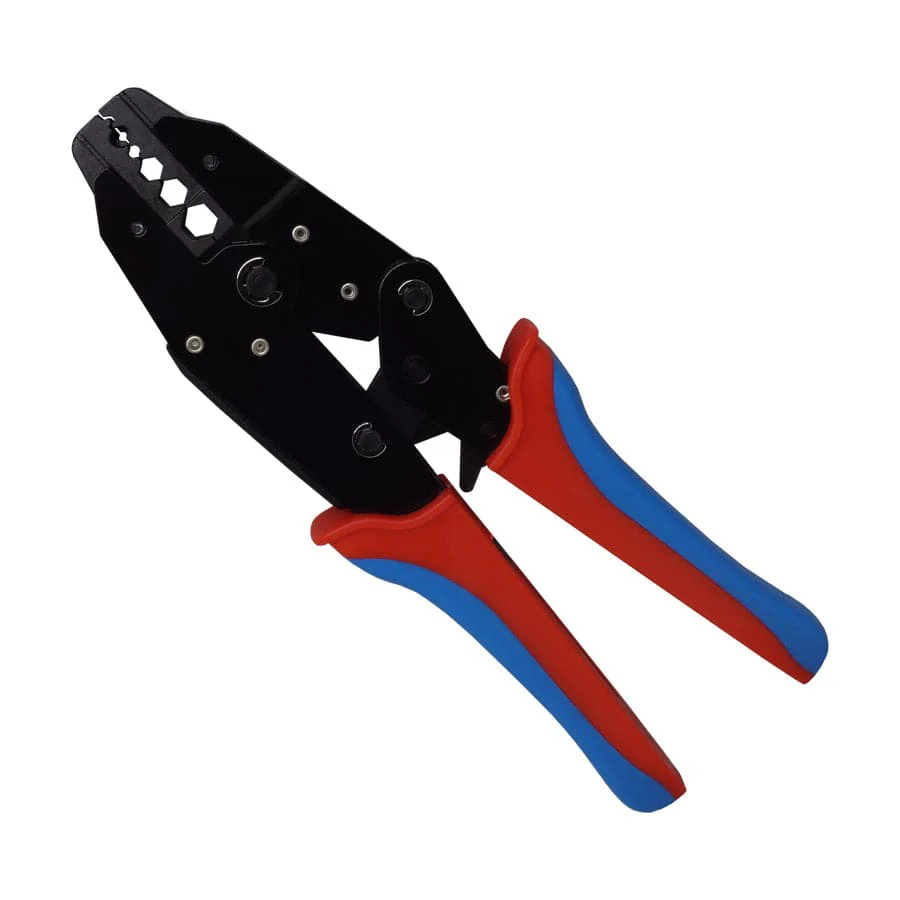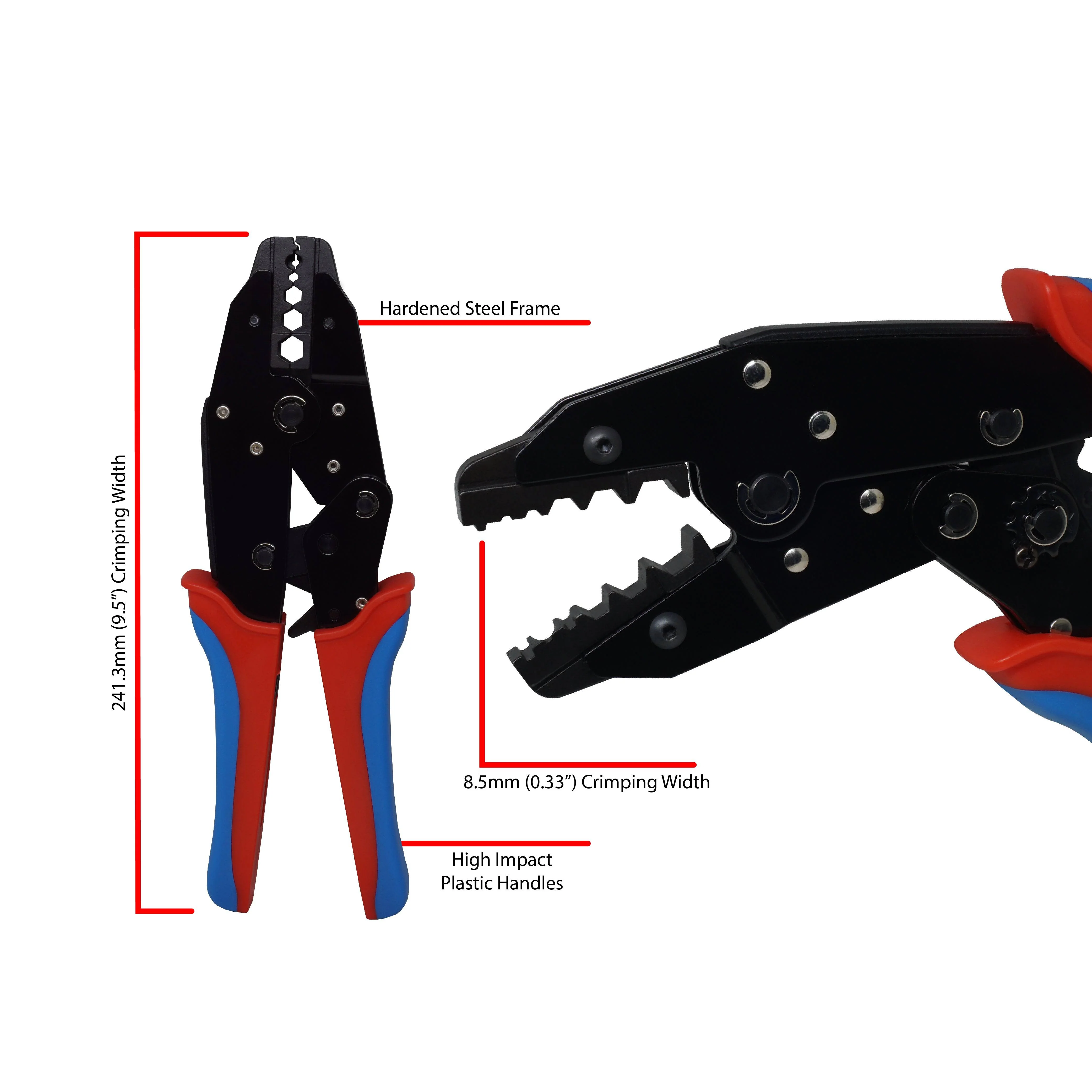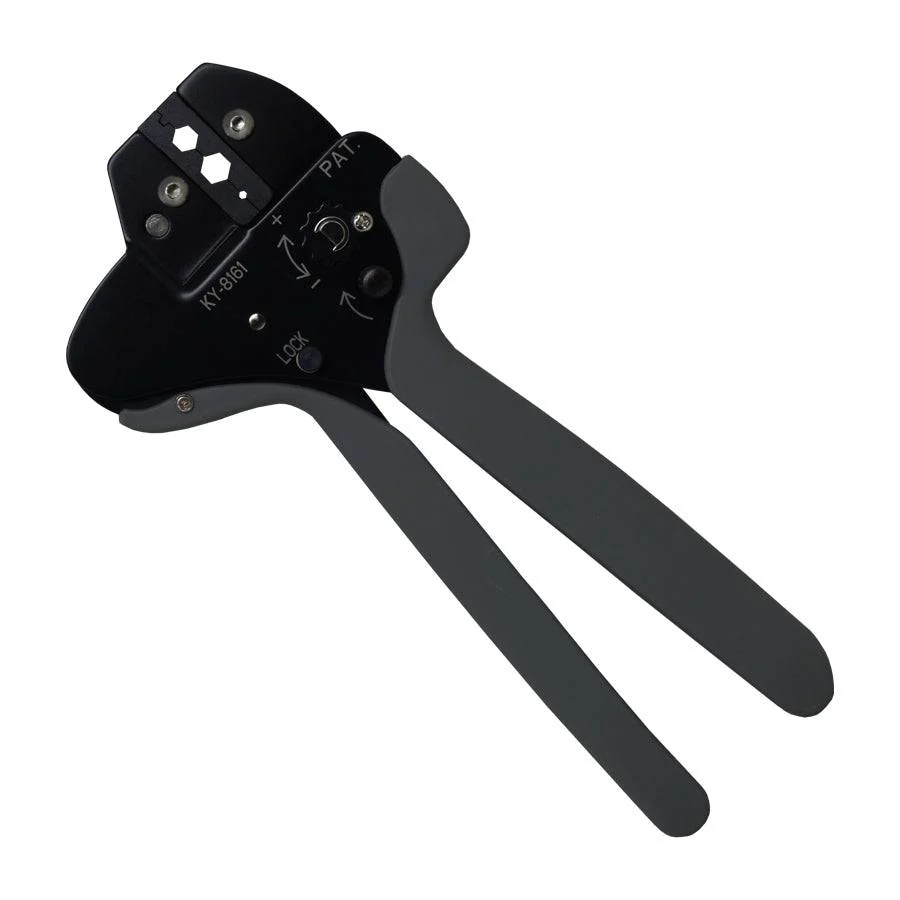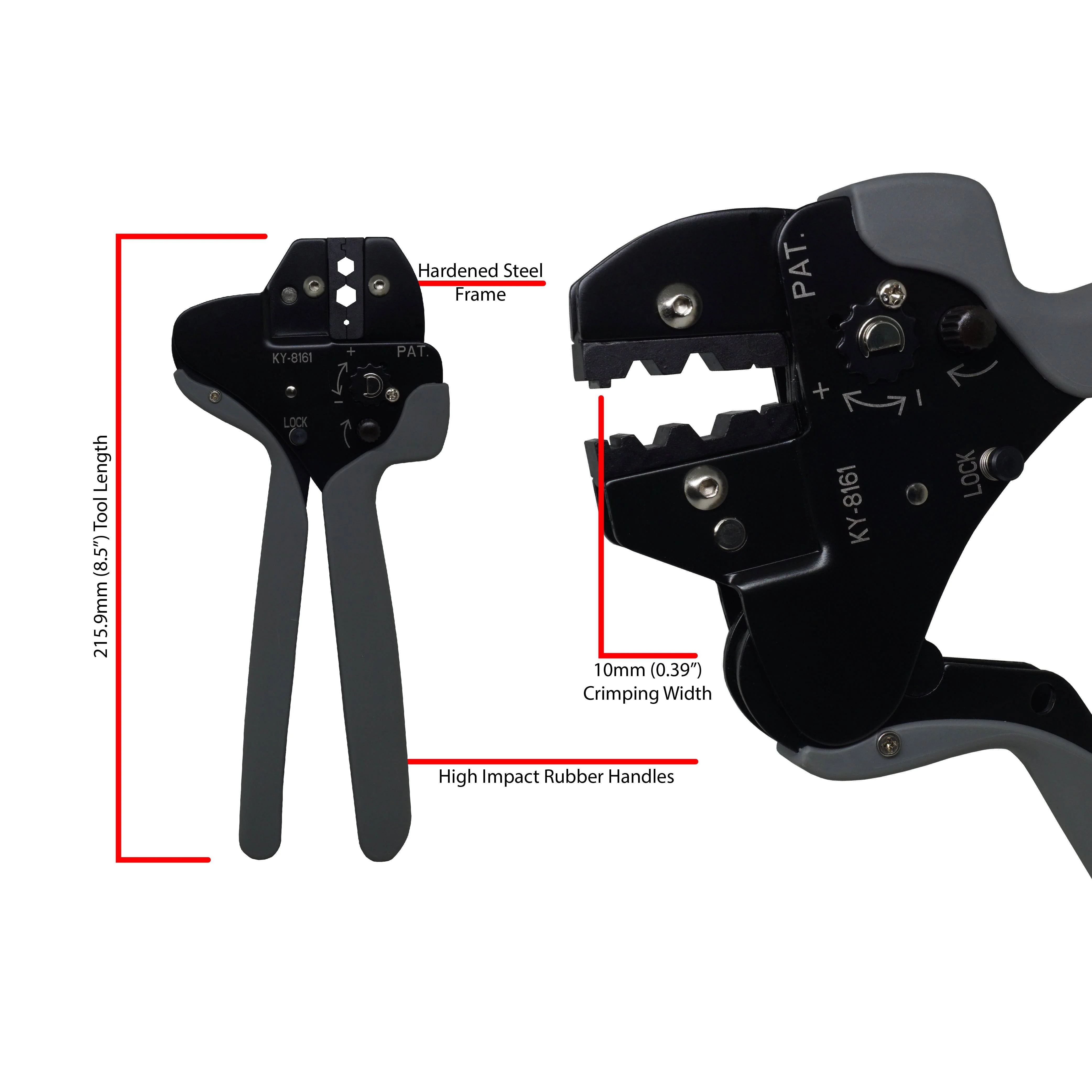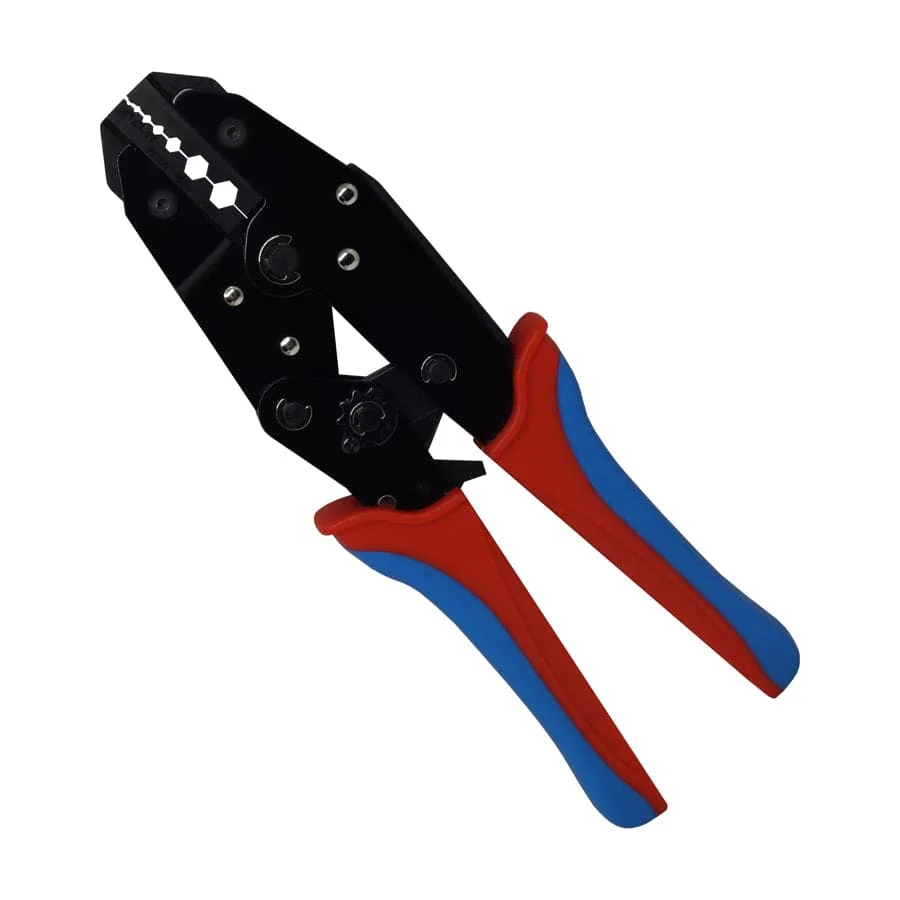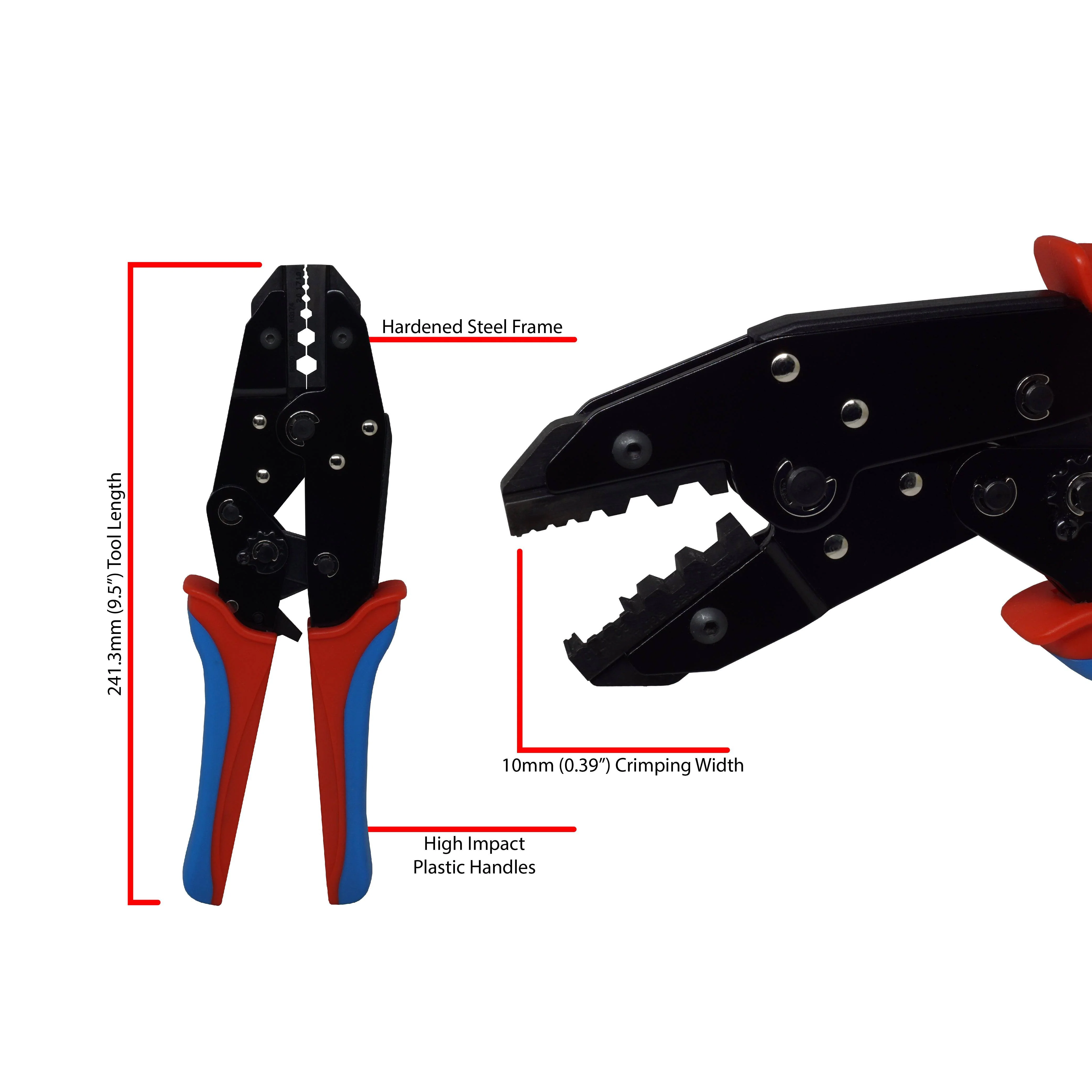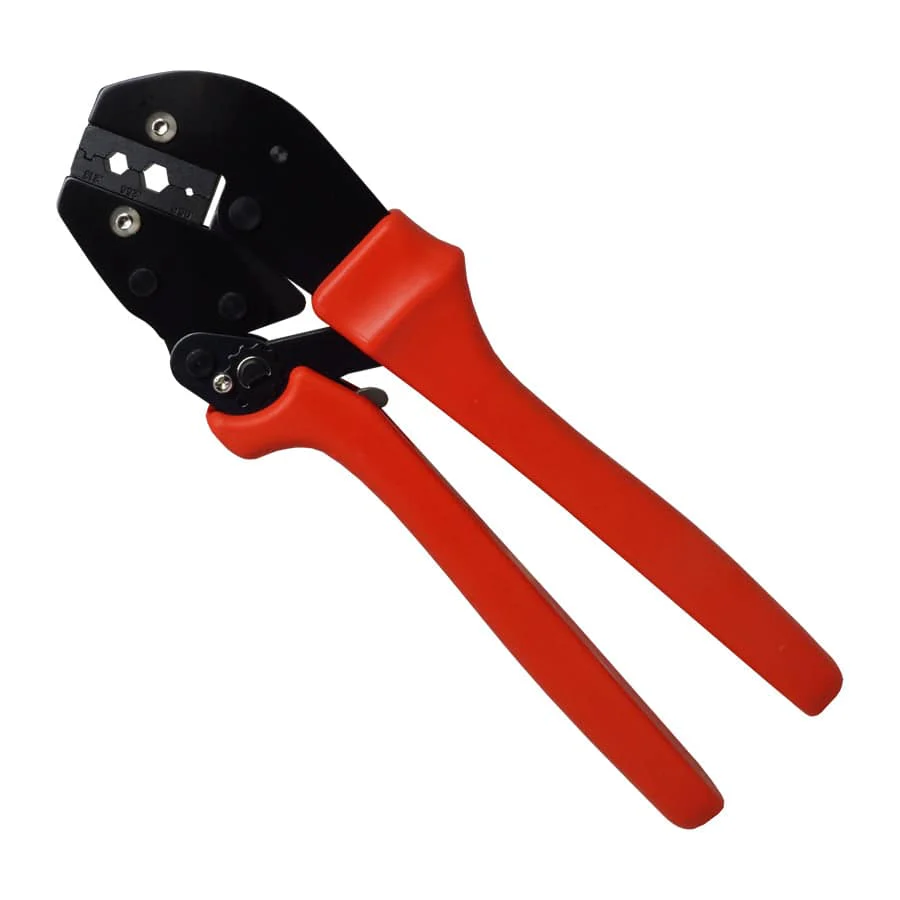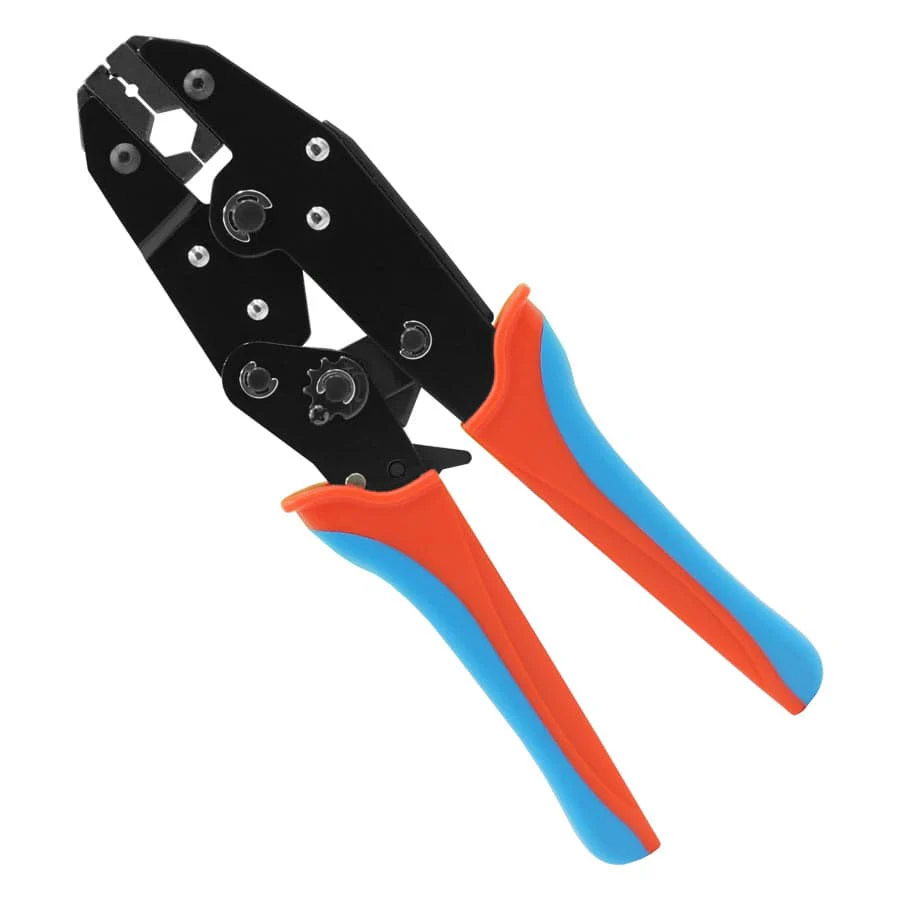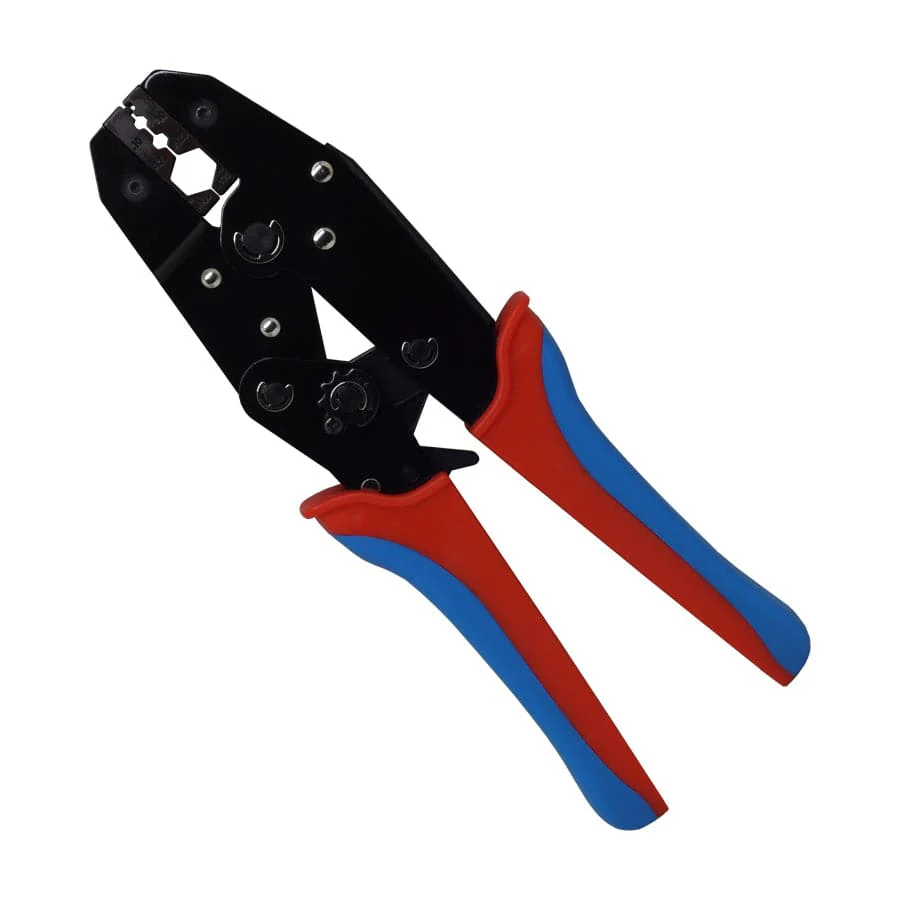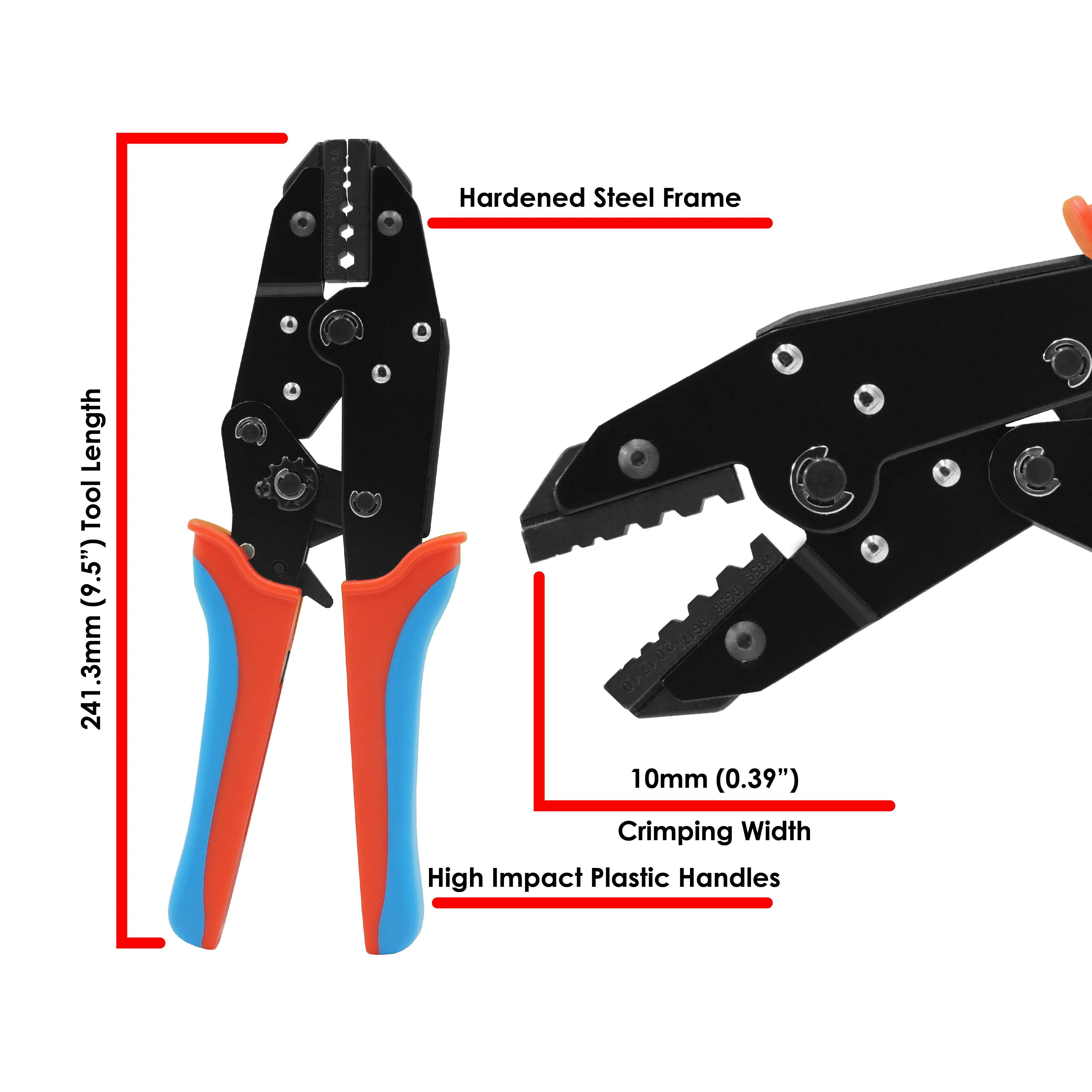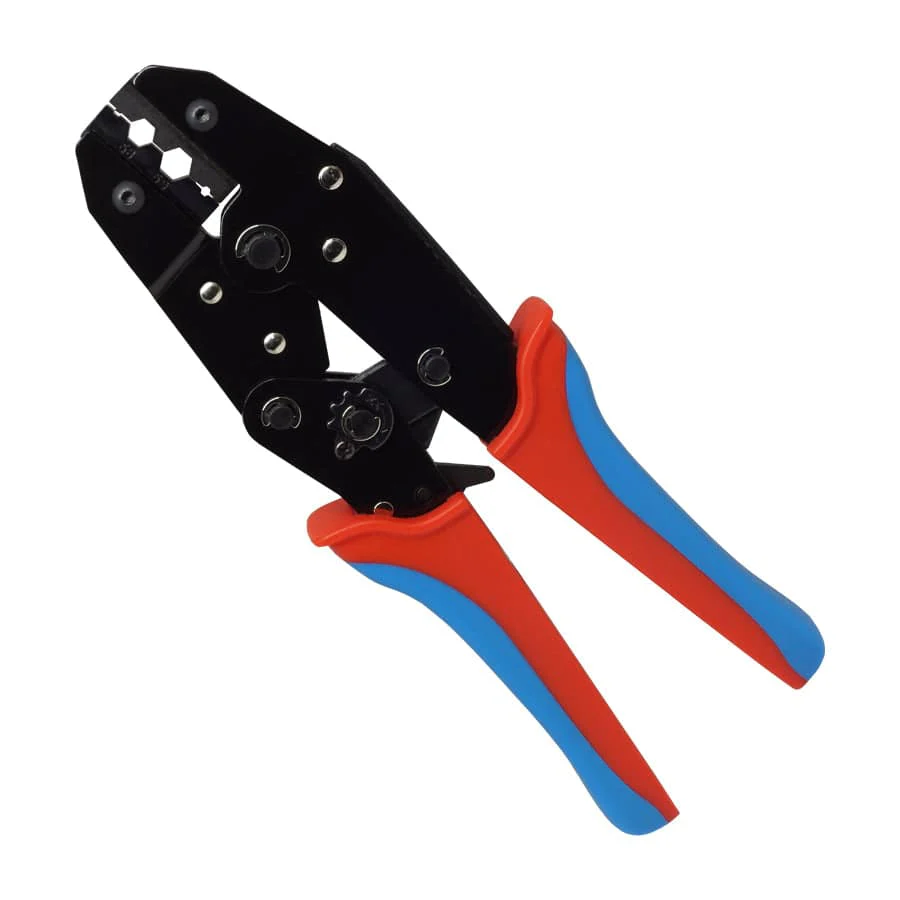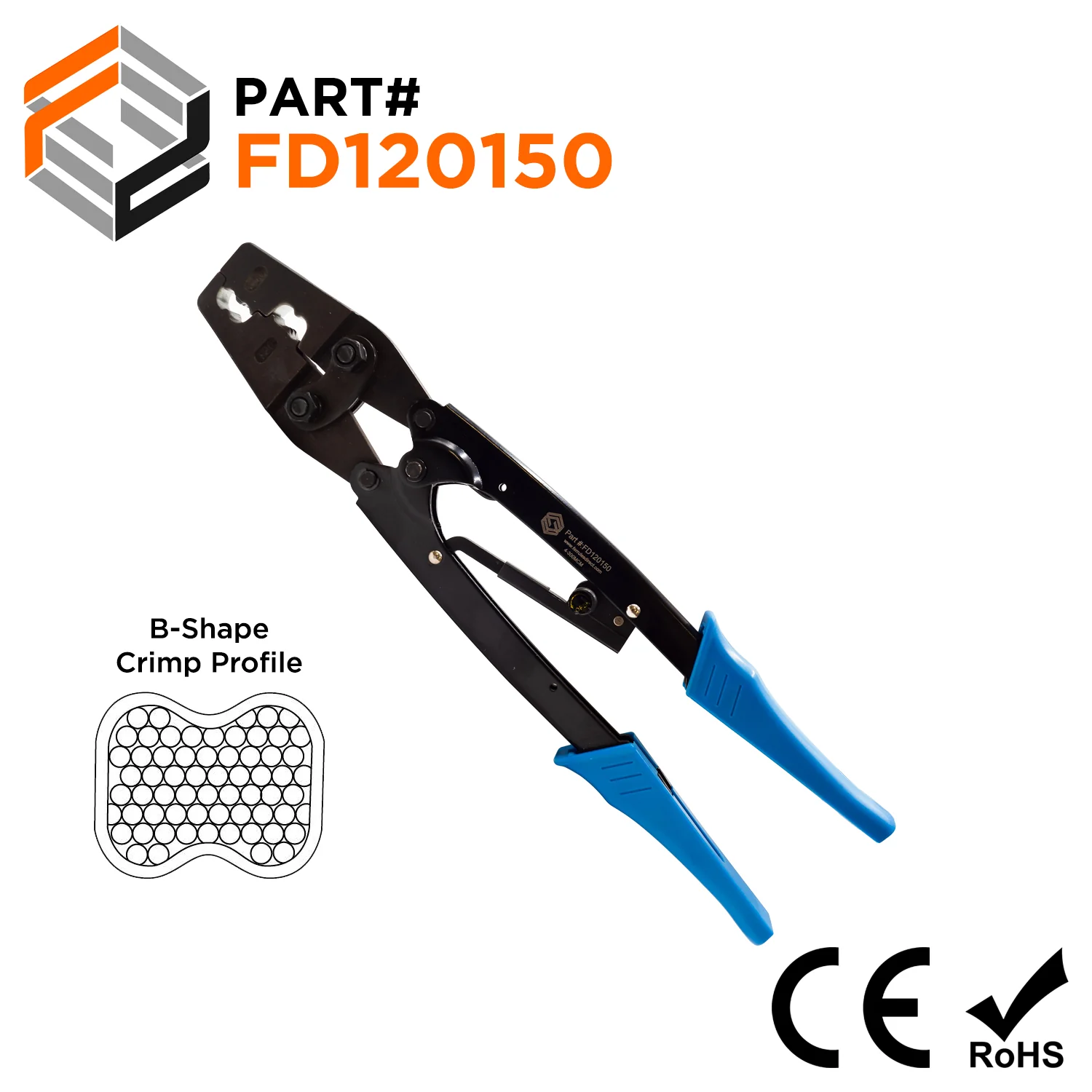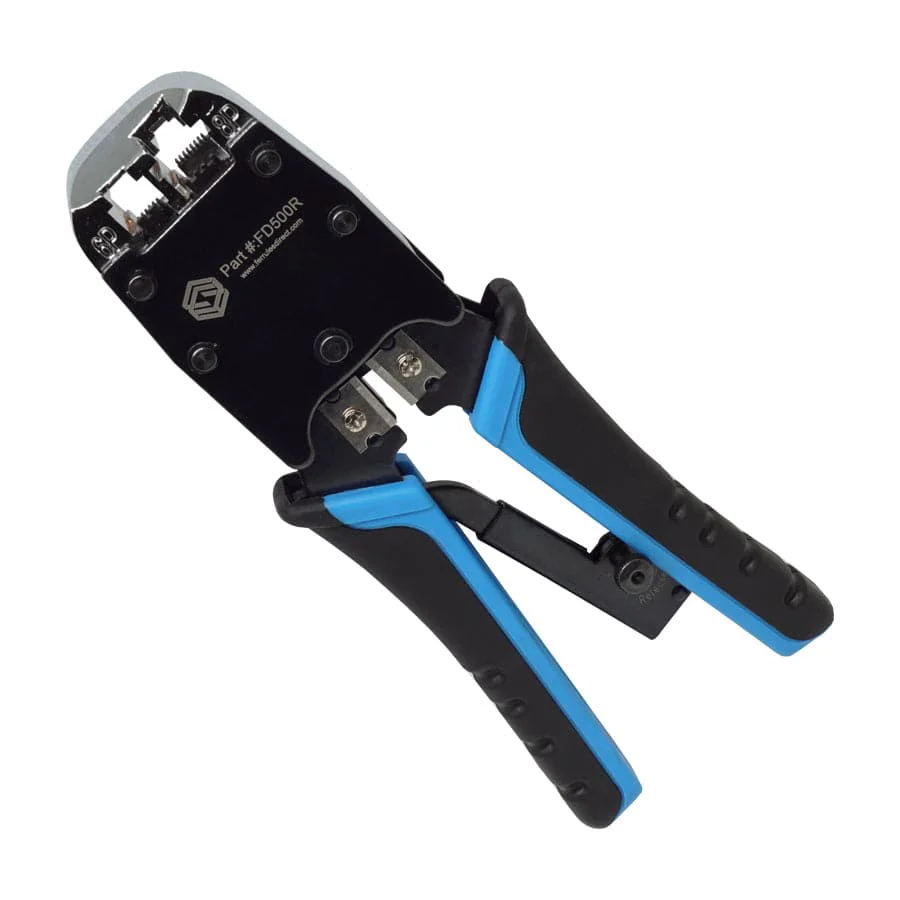


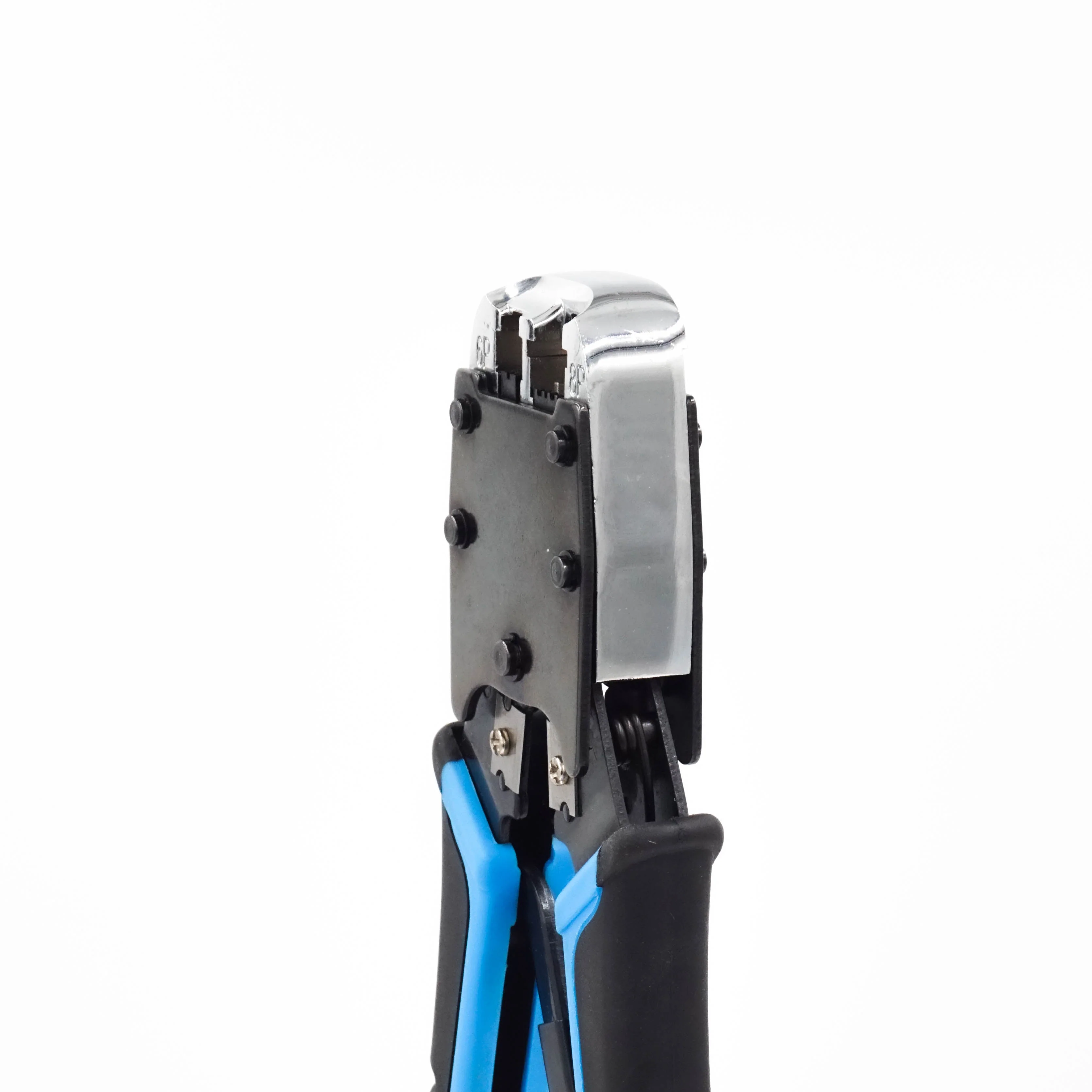
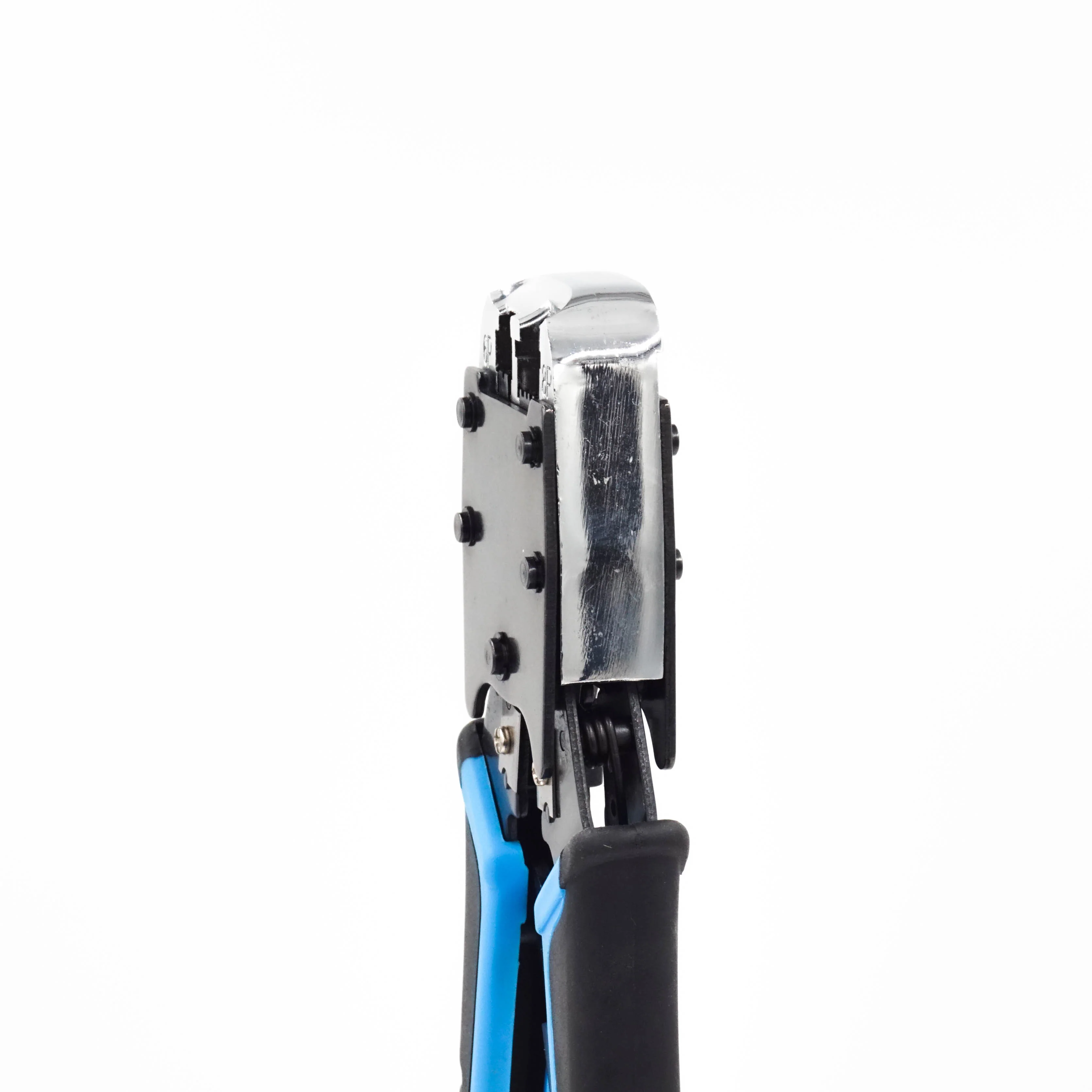


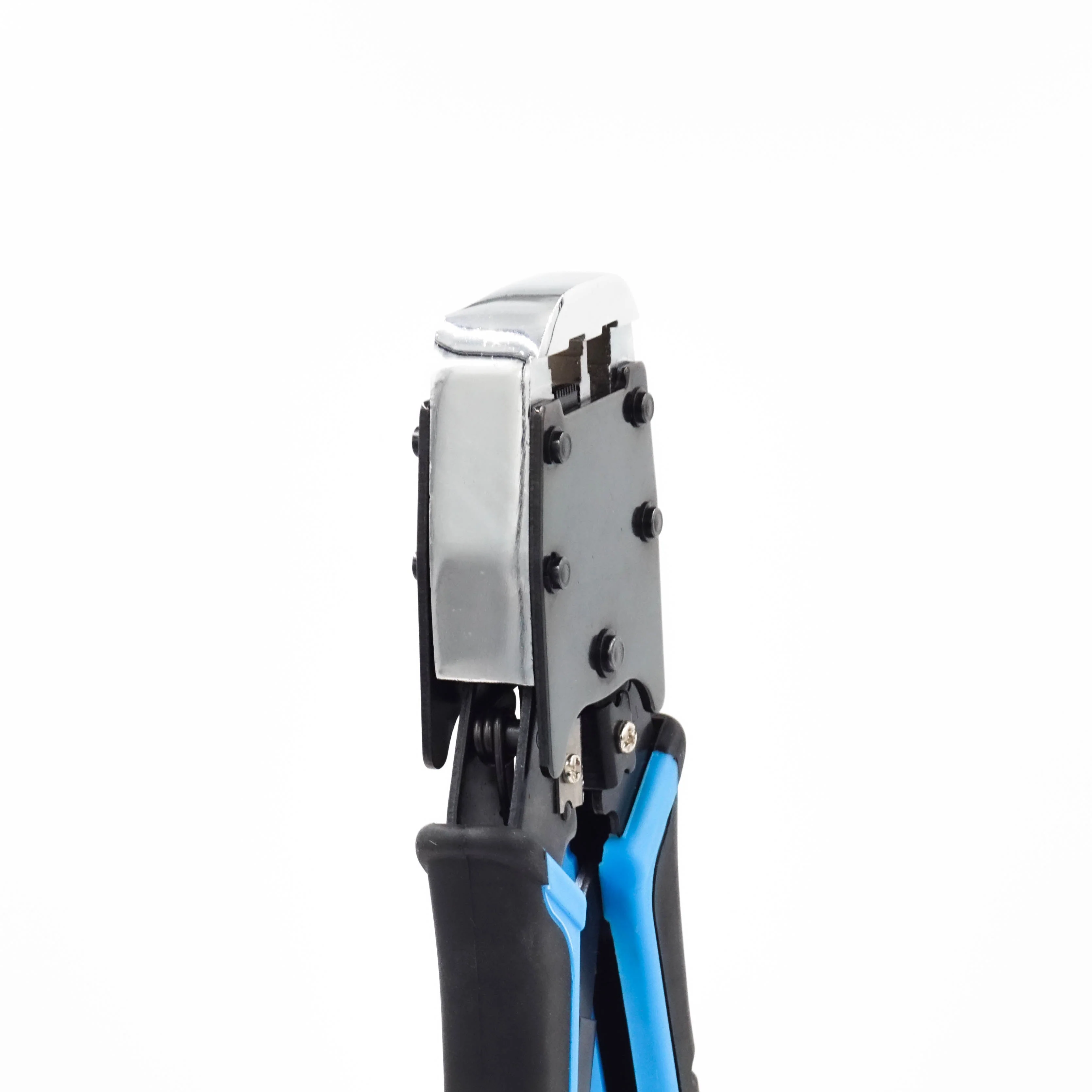
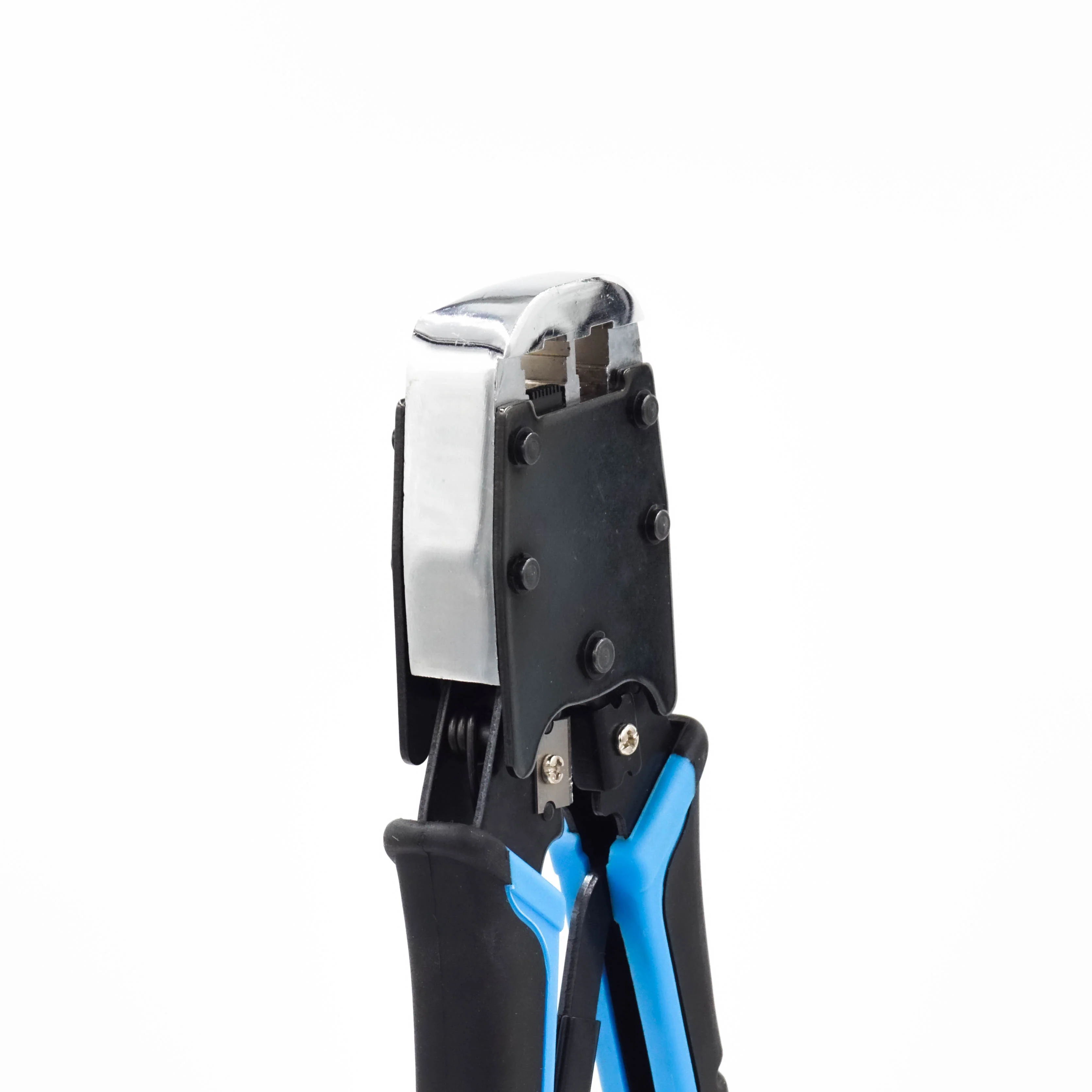


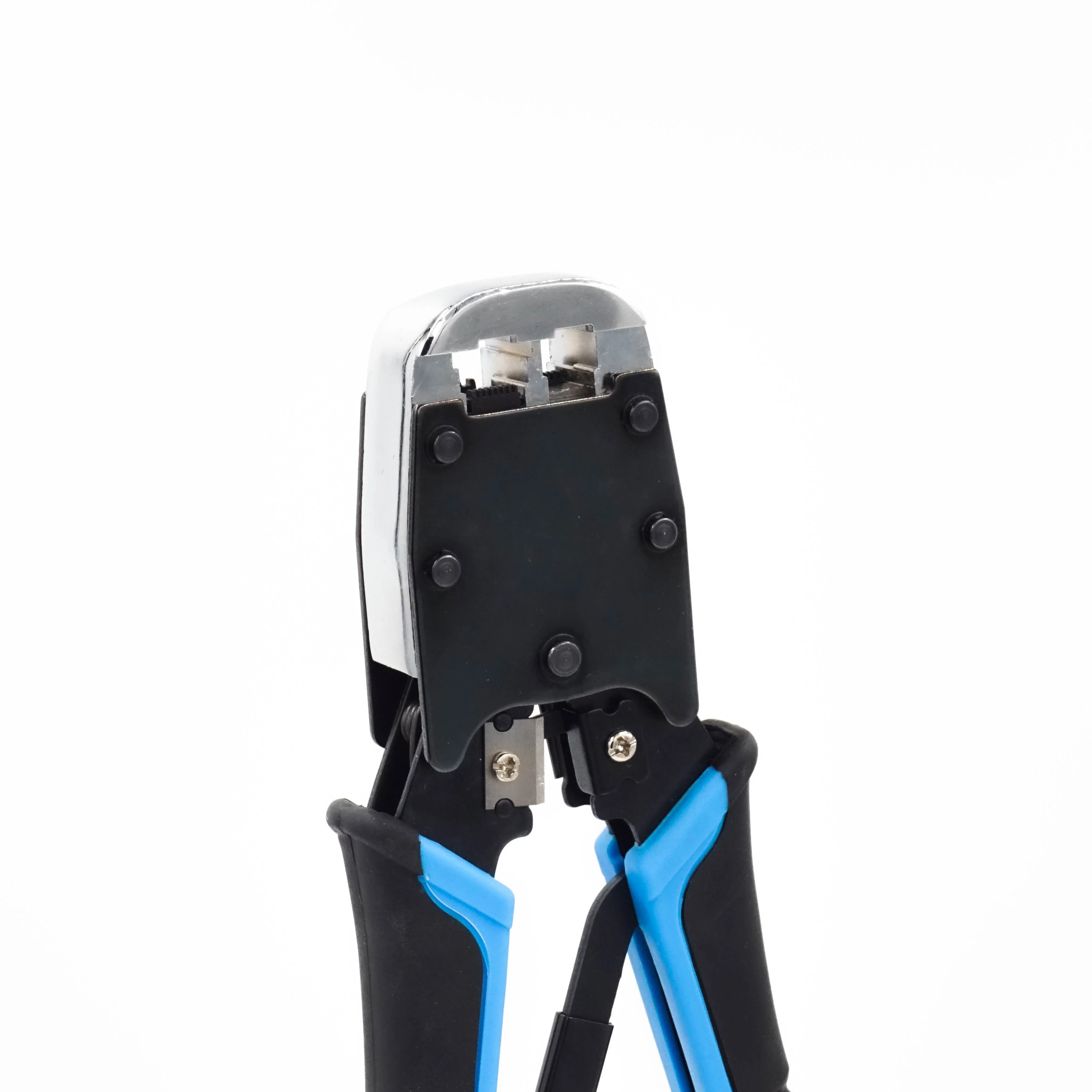
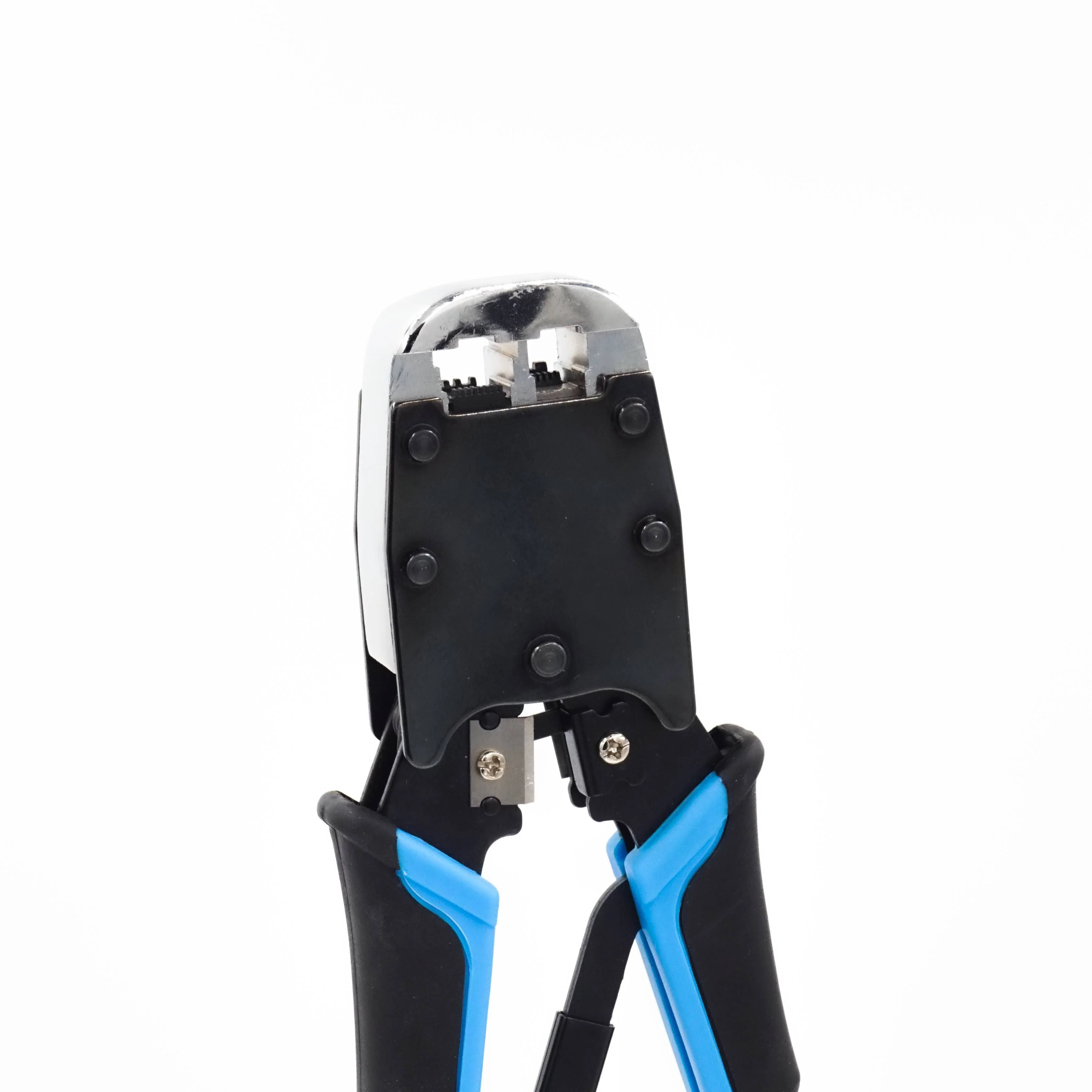
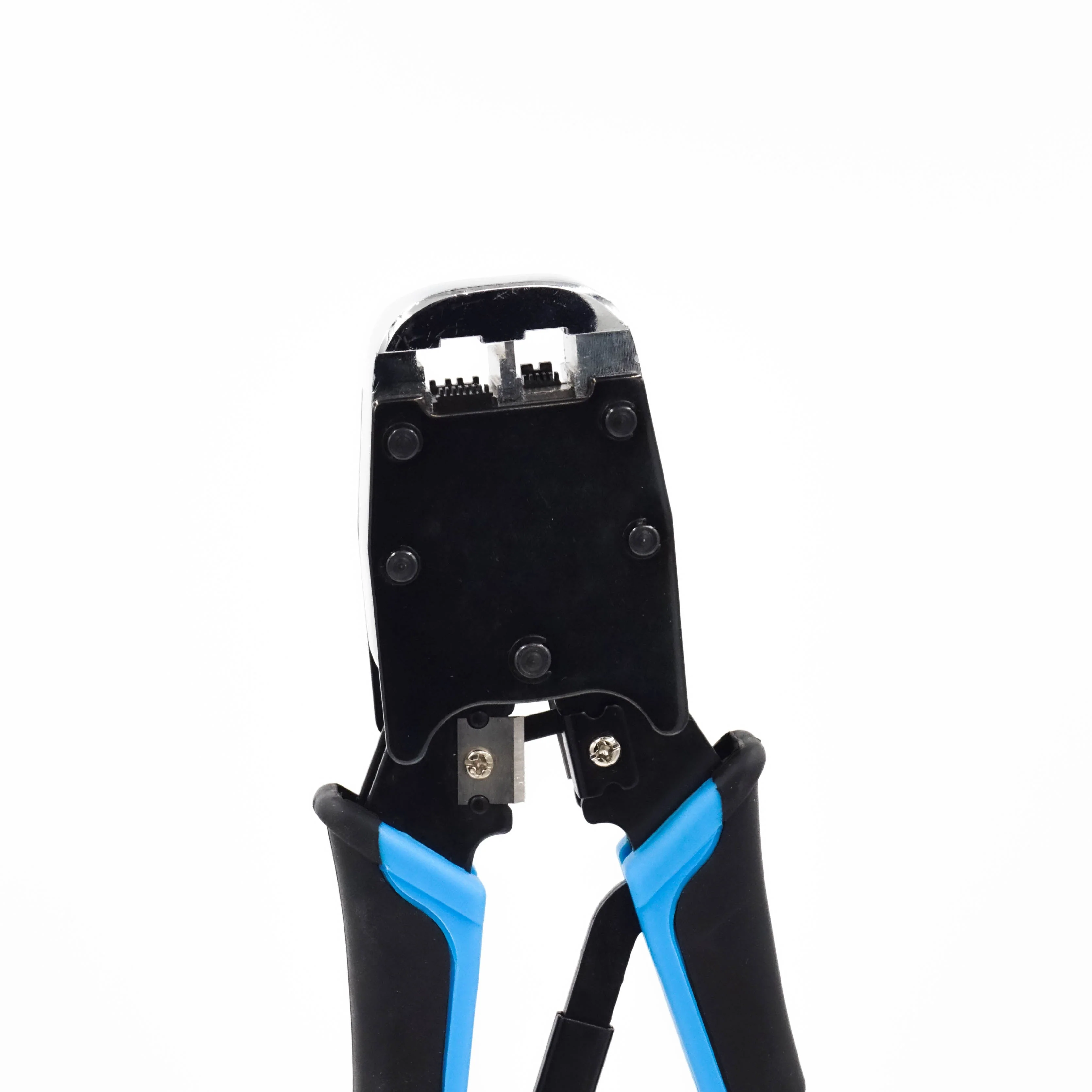

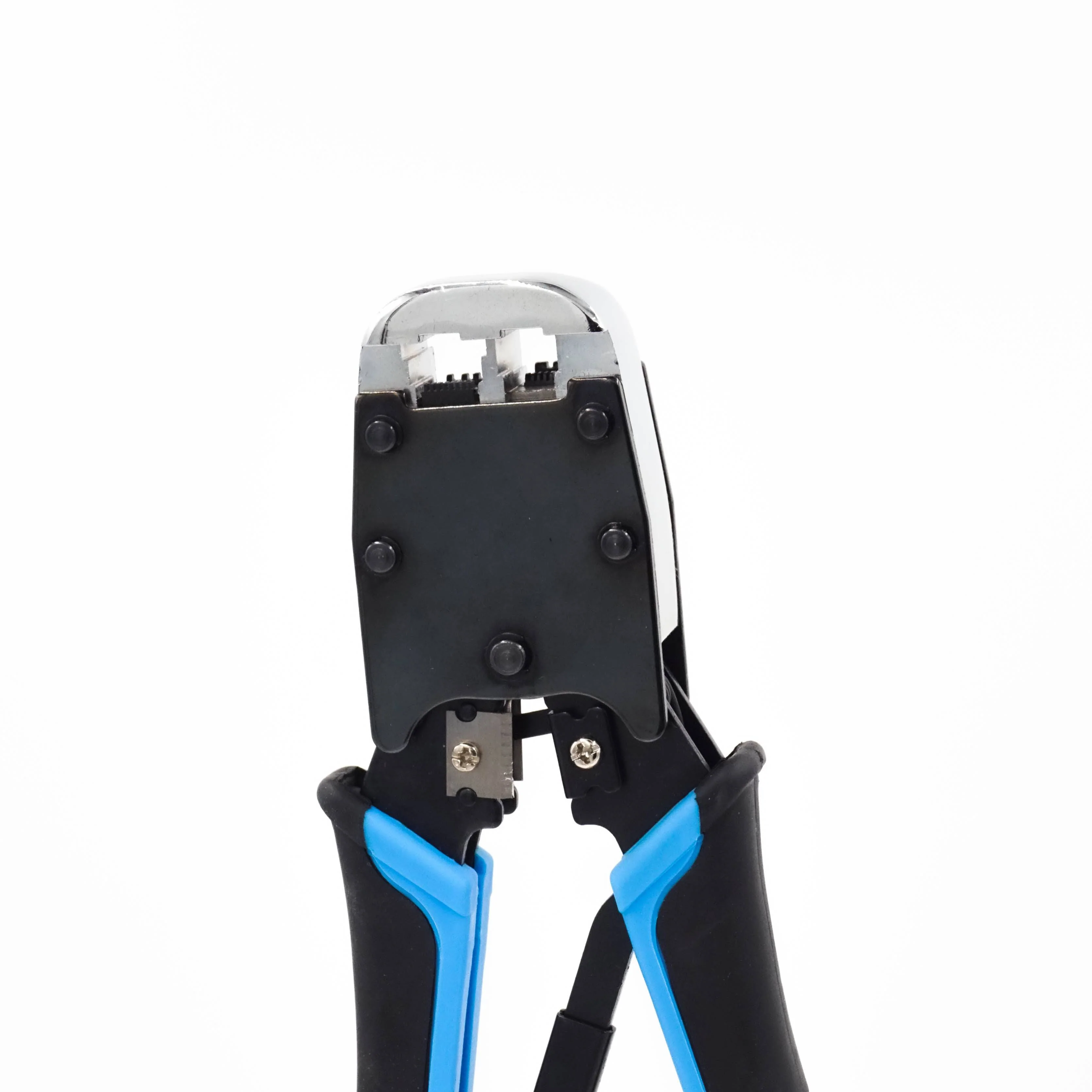
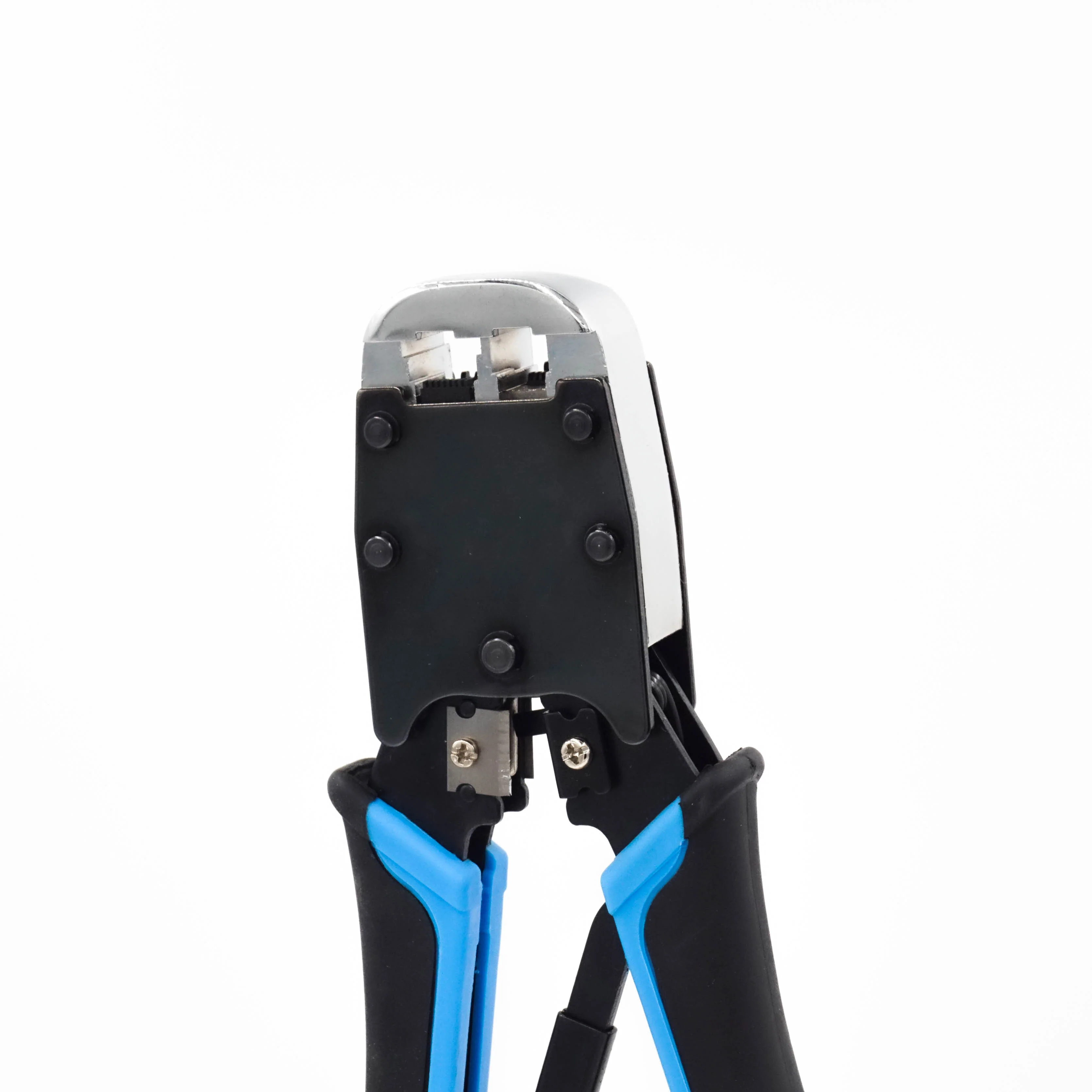

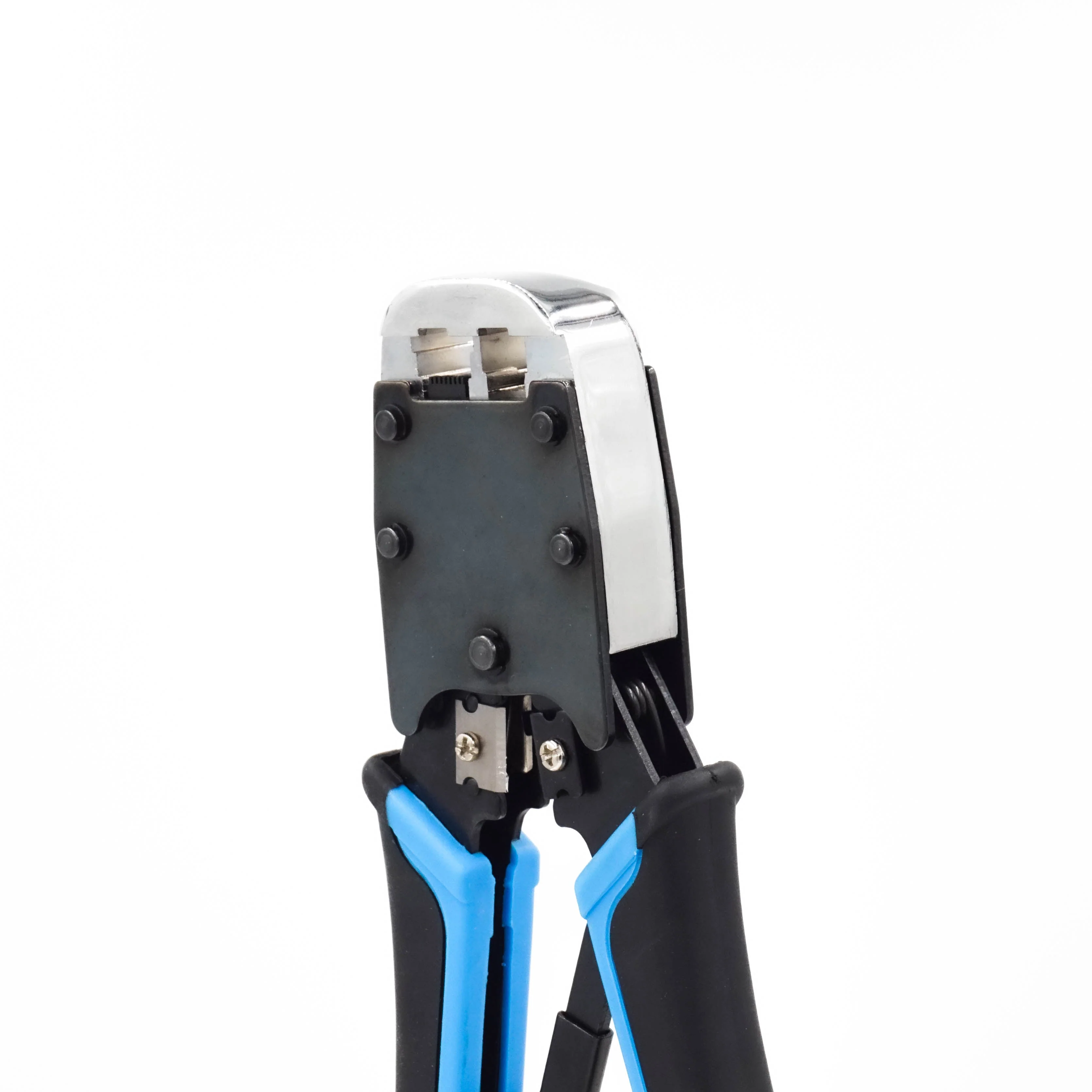
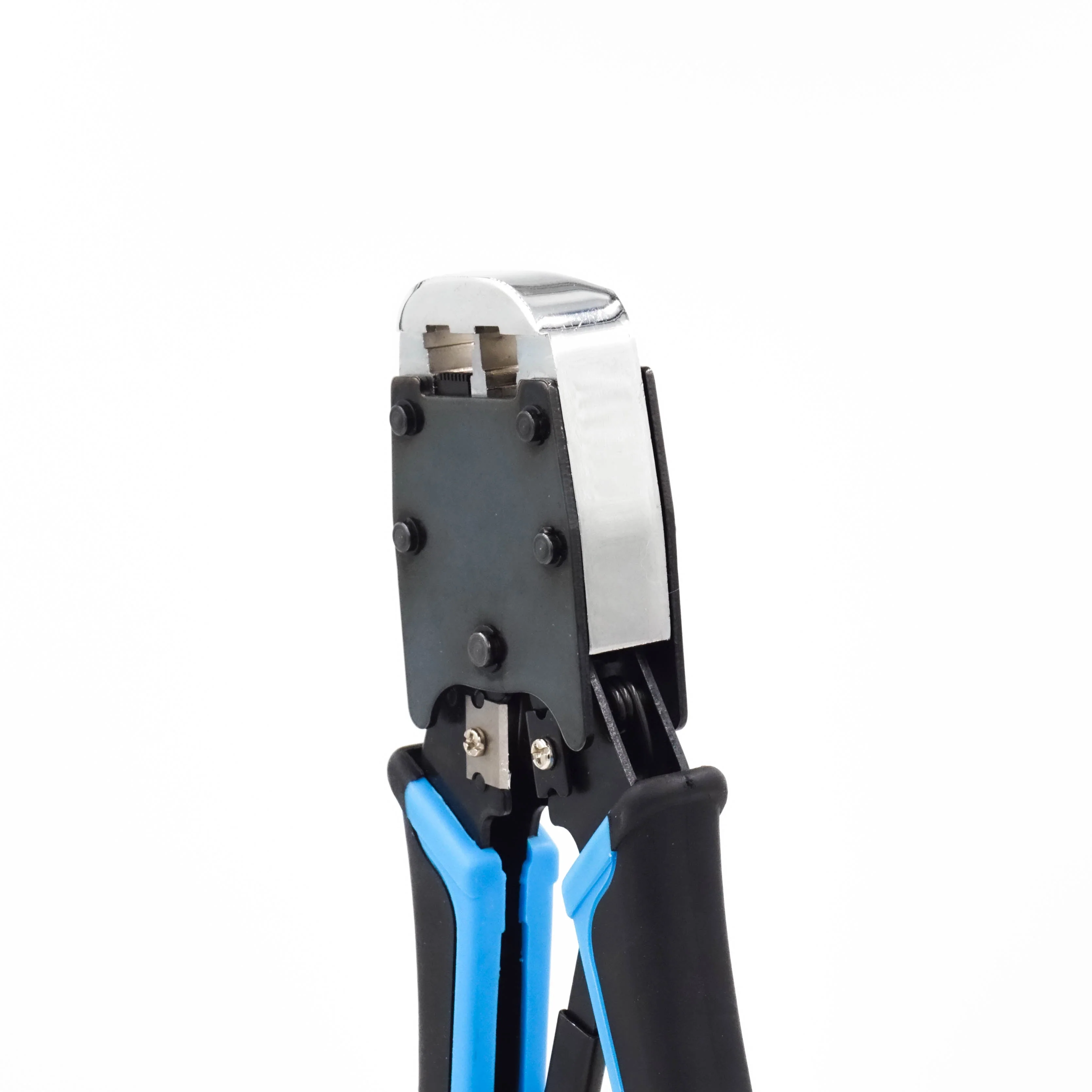
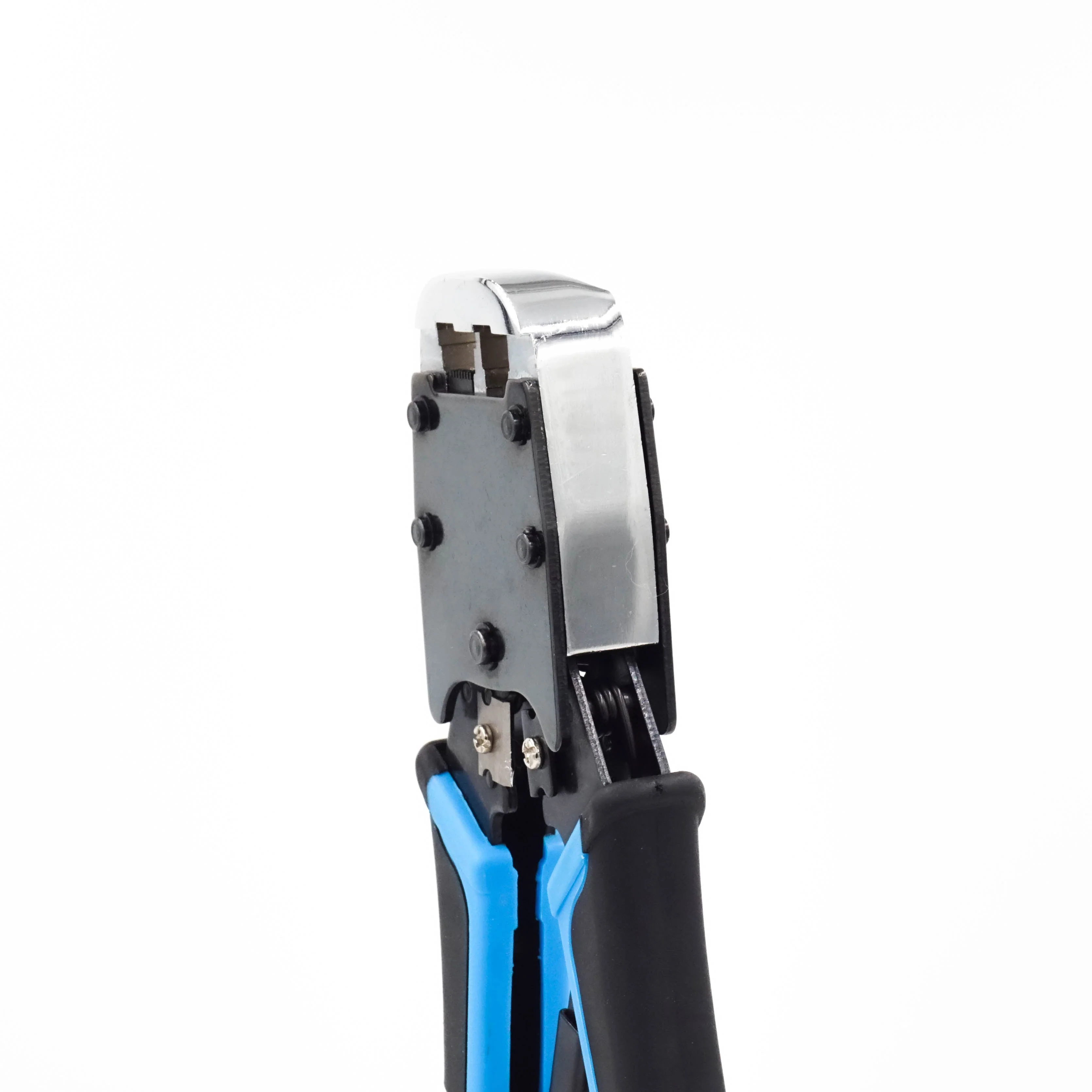
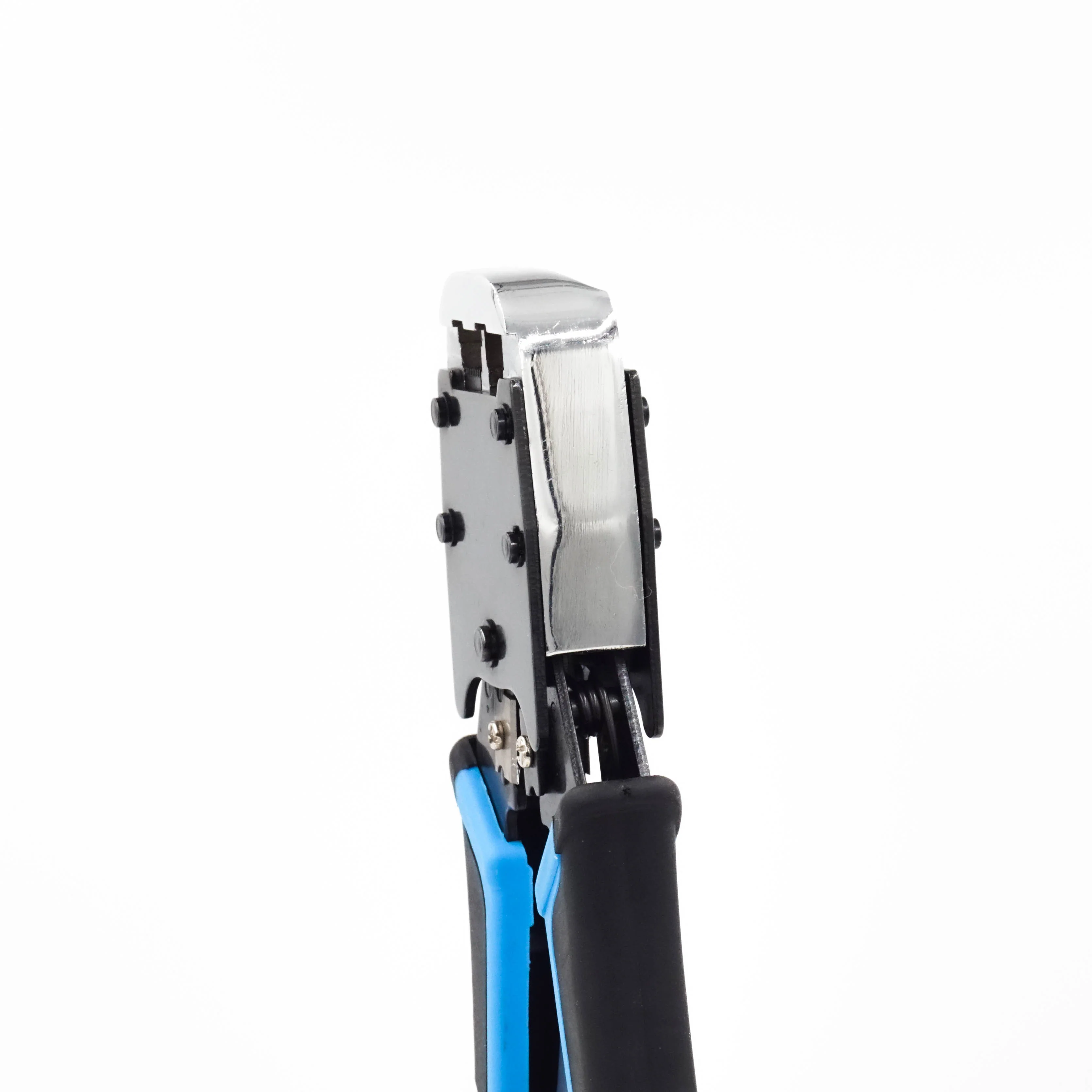


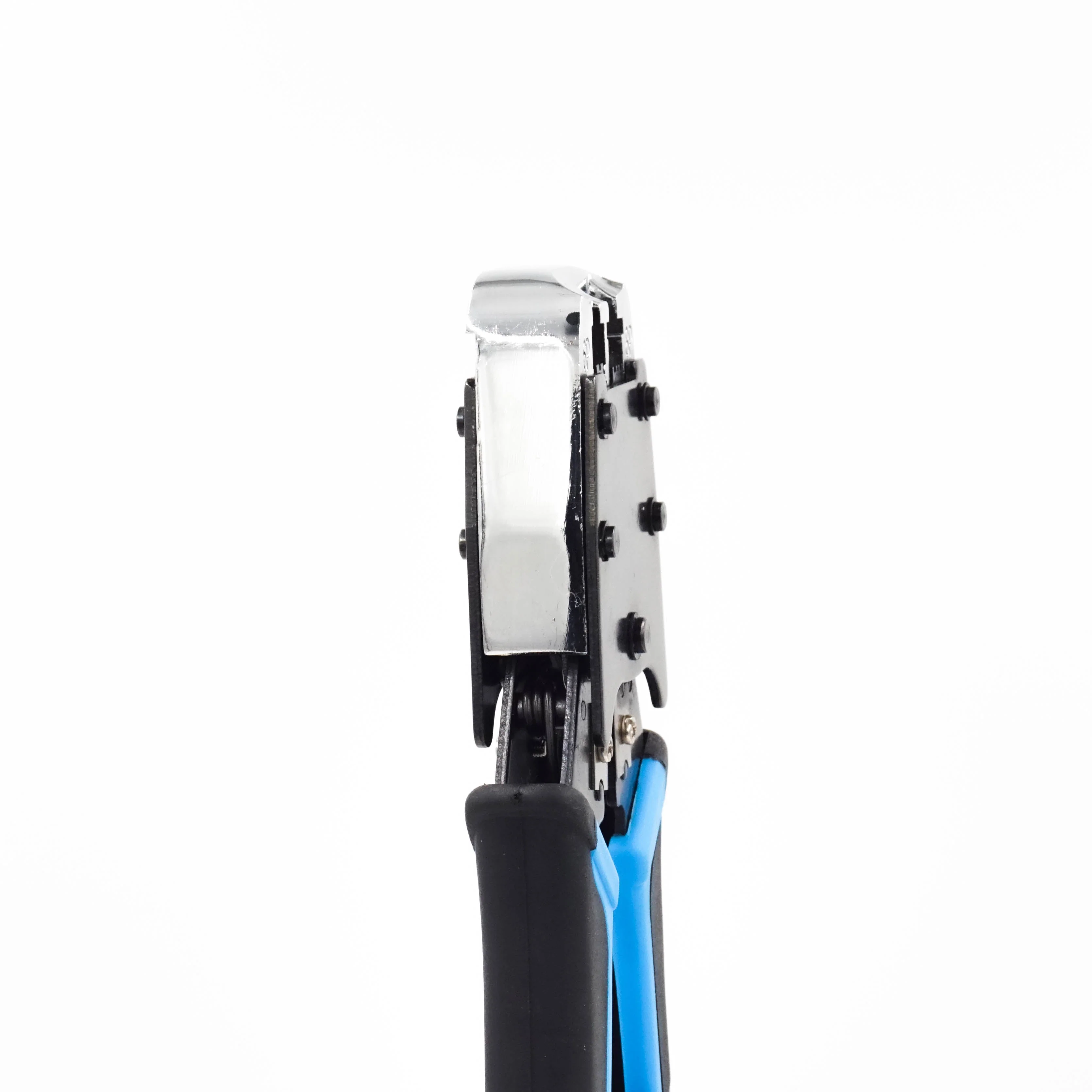

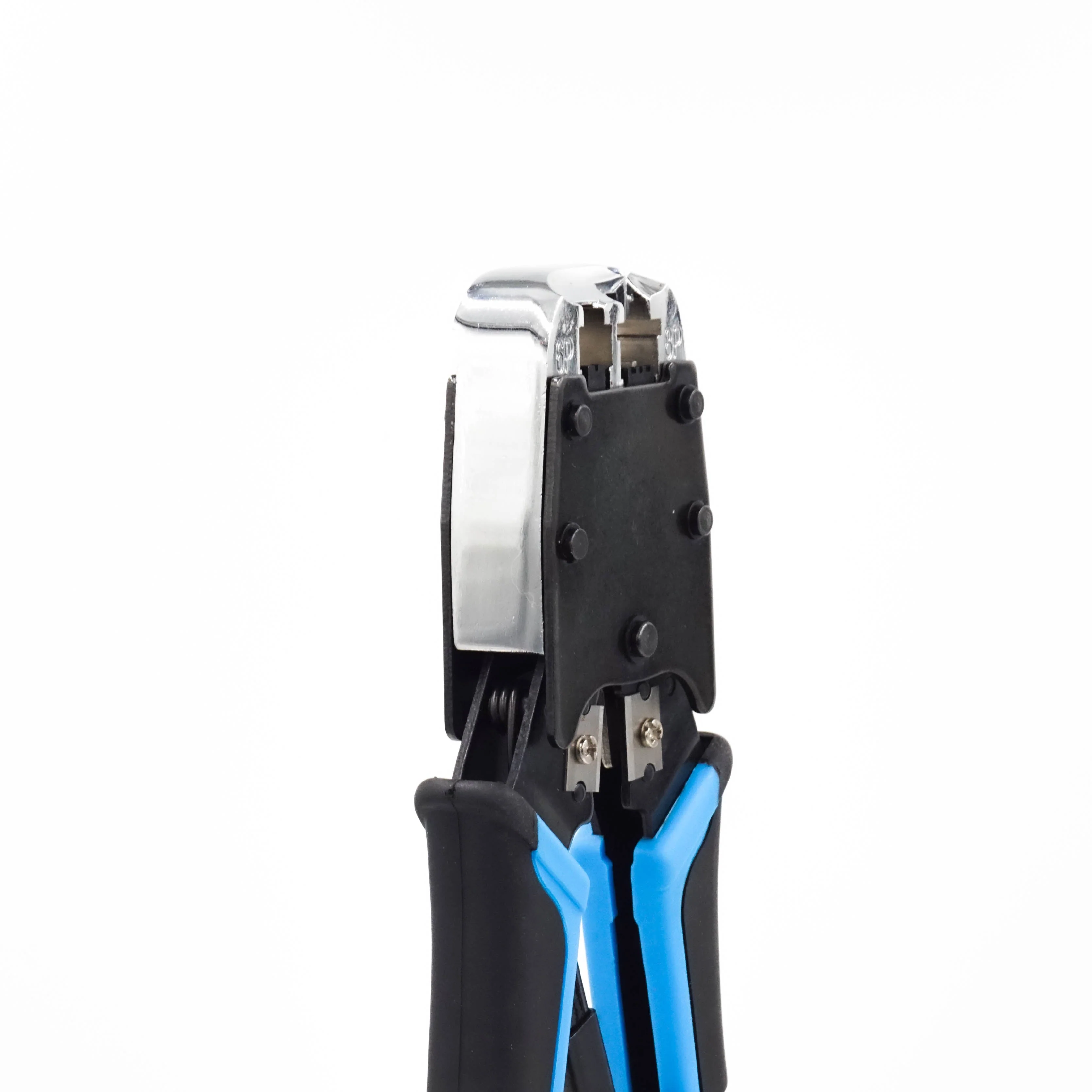
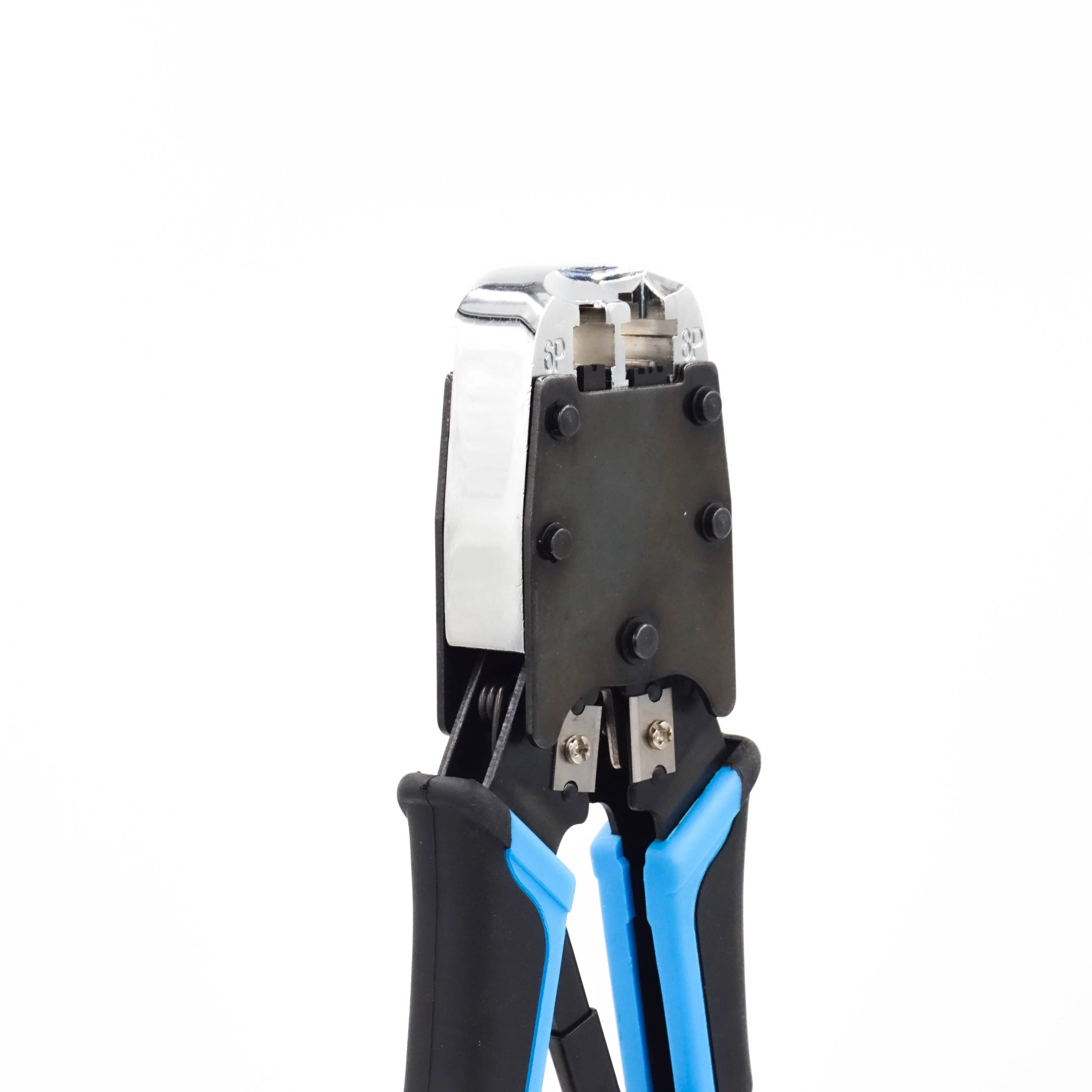
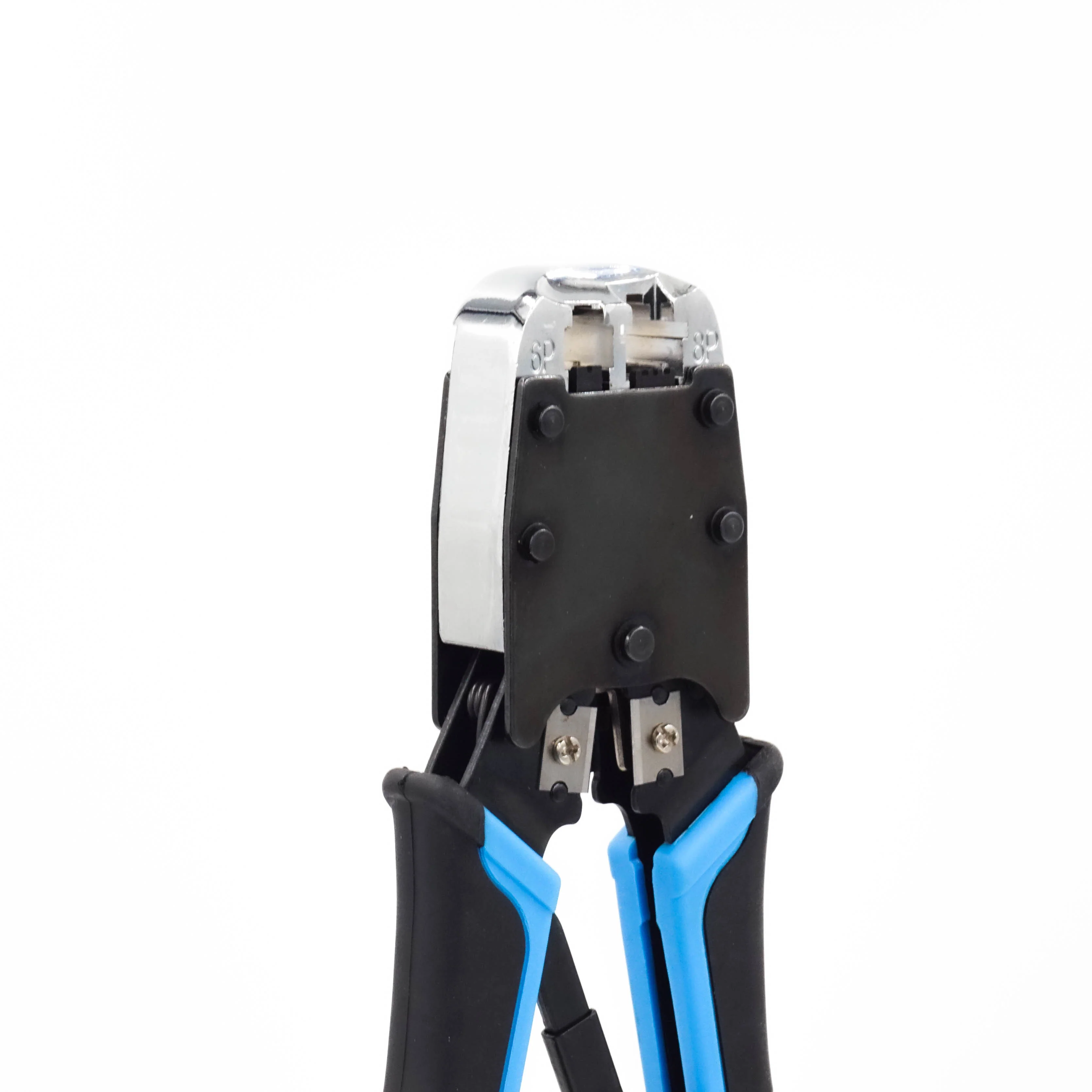


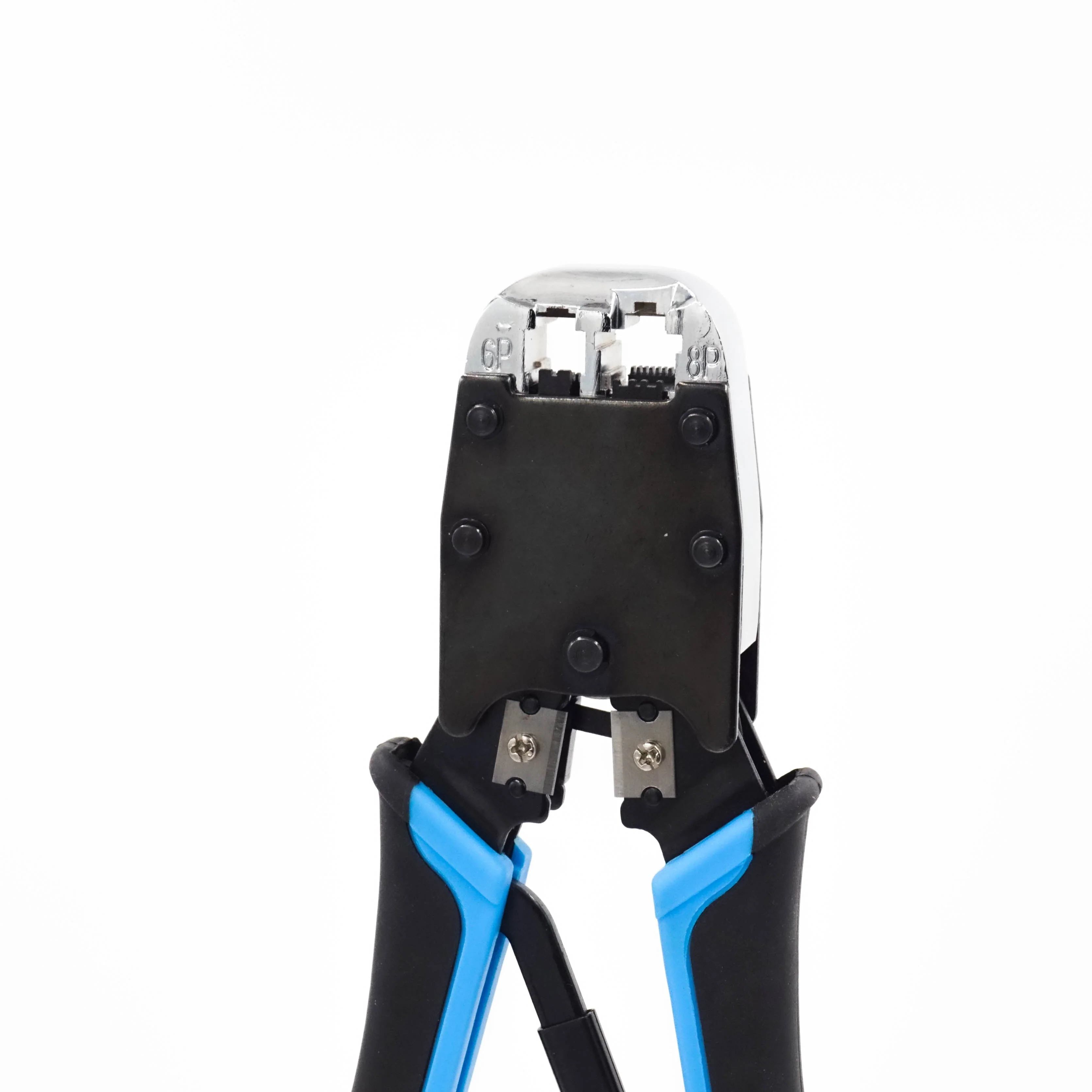
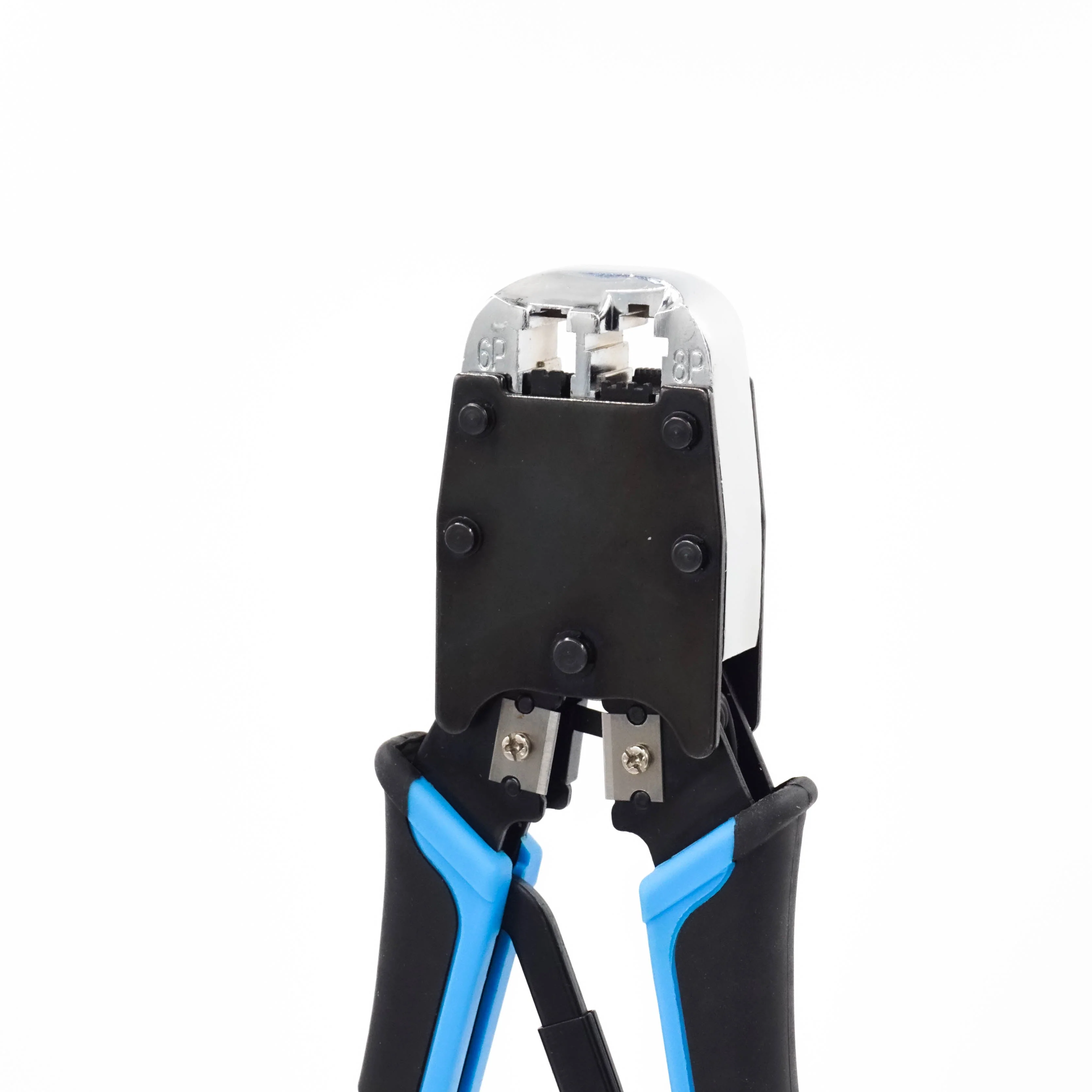
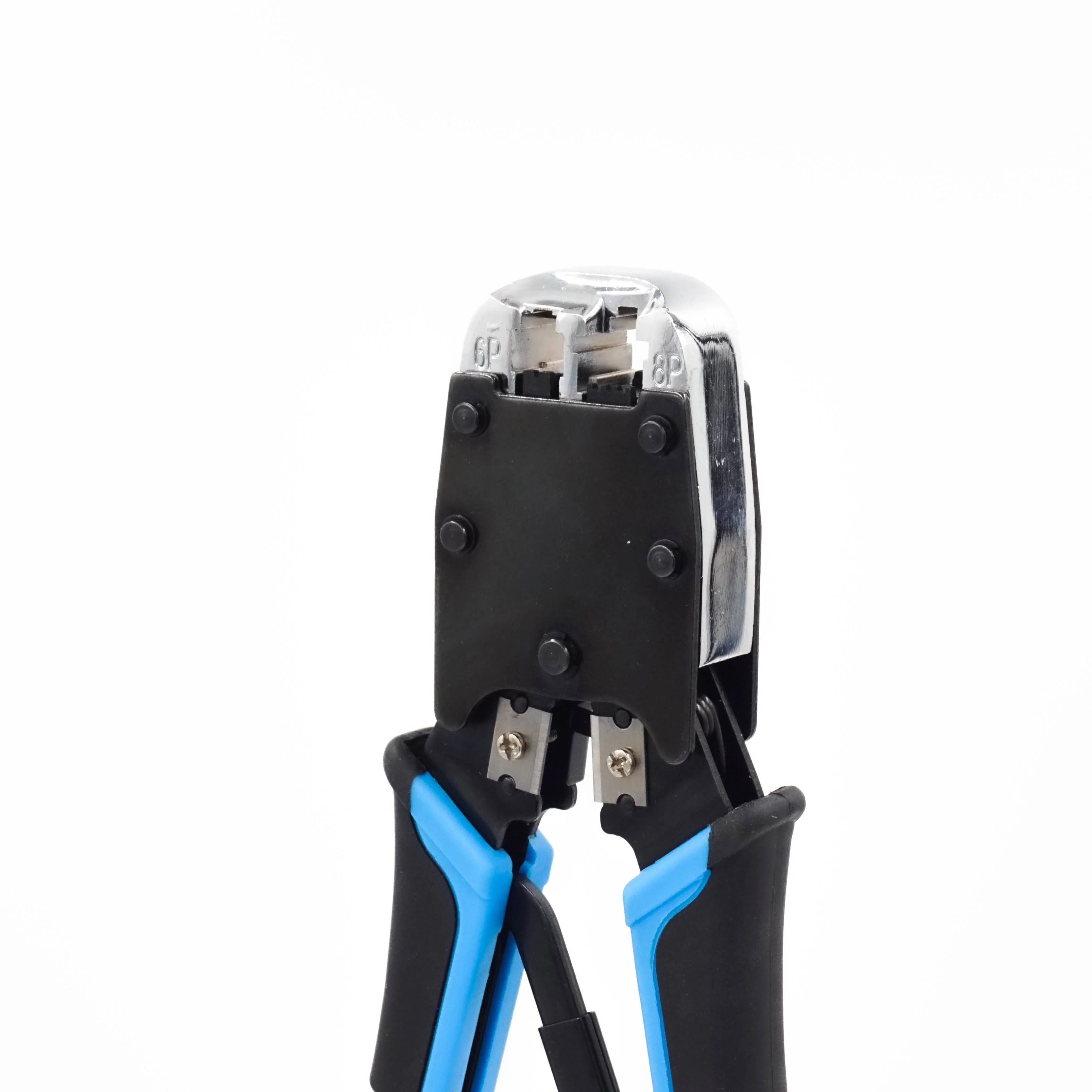
FD500R - CAT5, CAT5E, CAT6 Ethernet & Phone Connectors Crimping Tool, 1 Piece
Dimensions & Features:
| Cable Parameters: | 28-22 AWG (0.08-0.34 mm²) flat or round; solid or stranded telephone & data. |
| Modular Connectors: | 8P8C/RJ-45, 6P6C/RJ-12, 6P4C/RJ-11 |
| Tool Material: | Hardened steel body with black oxide finish |
| Tool Finish: | Burnished |
| Handle Material: | Ergonomically designed plastic handles with rubber grips |
| Crimping Mechanism: | Ratchet |

1. Put the network cable into the stripping port of the tool, rotate it two times, then pull it out.

2. Cut off the PVC jacket and untwist the wires so that they look as follows.

3. Trim the tips of the wires with the cutting side of the tool to make the tips neat.

4. Arrange the wires in the proper sequence and push them into the connector to the deepest position.

5. Insert the connector into the proper slot of the tool, align the chip position, and press down.
Cross References
Cross Reference Parts:None:
Documents
Click to view product spec sheet:
Videos
Watch below to see how to use the FD500R to create an ethernet cable!(FD500R model has updated since this recording)
Product Information
Product Information
Shipping & Returns
Shipping & Returns
Description
Dimensions & Features:
| Cable Parameters: | 28-22 AWG (0.08-0.34 mm²) flat or round; solid or stranded telephone & data. |
| Modular Connectors: | 8P8C/RJ-45, 6P6C/RJ-12, 6P4C/RJ-11 |
| Tool Material: | Hardened steel body with black oxide finish |
| Tool Finish: | Burnished |
| Handle Material: | Ergonomically designed plastic handles with rubber grips |
| Crimping Mechanism: | Ratchet |
1. Put the network cable into the stripping port of the tool, rotate it two times, then pull it out.
2. Cut off the PVC jacket and untwist the wires so that they look as follows.
3. Trim the tips of the wires with the cutting side of the tool to make the tips neat.
4. Arrange the wires in the proper sequence and push them into the connector to the deepest position.
5. Insert the connector into the proper slot of the tool, align the chip position, and press down.
Cross References
Cross Reference Parts:None:
Documents
Click to view product spec sheet:Videos
Watch below to see how to use the FD500R to create an ethernet cable!(FD500R model has updated since this recording)